
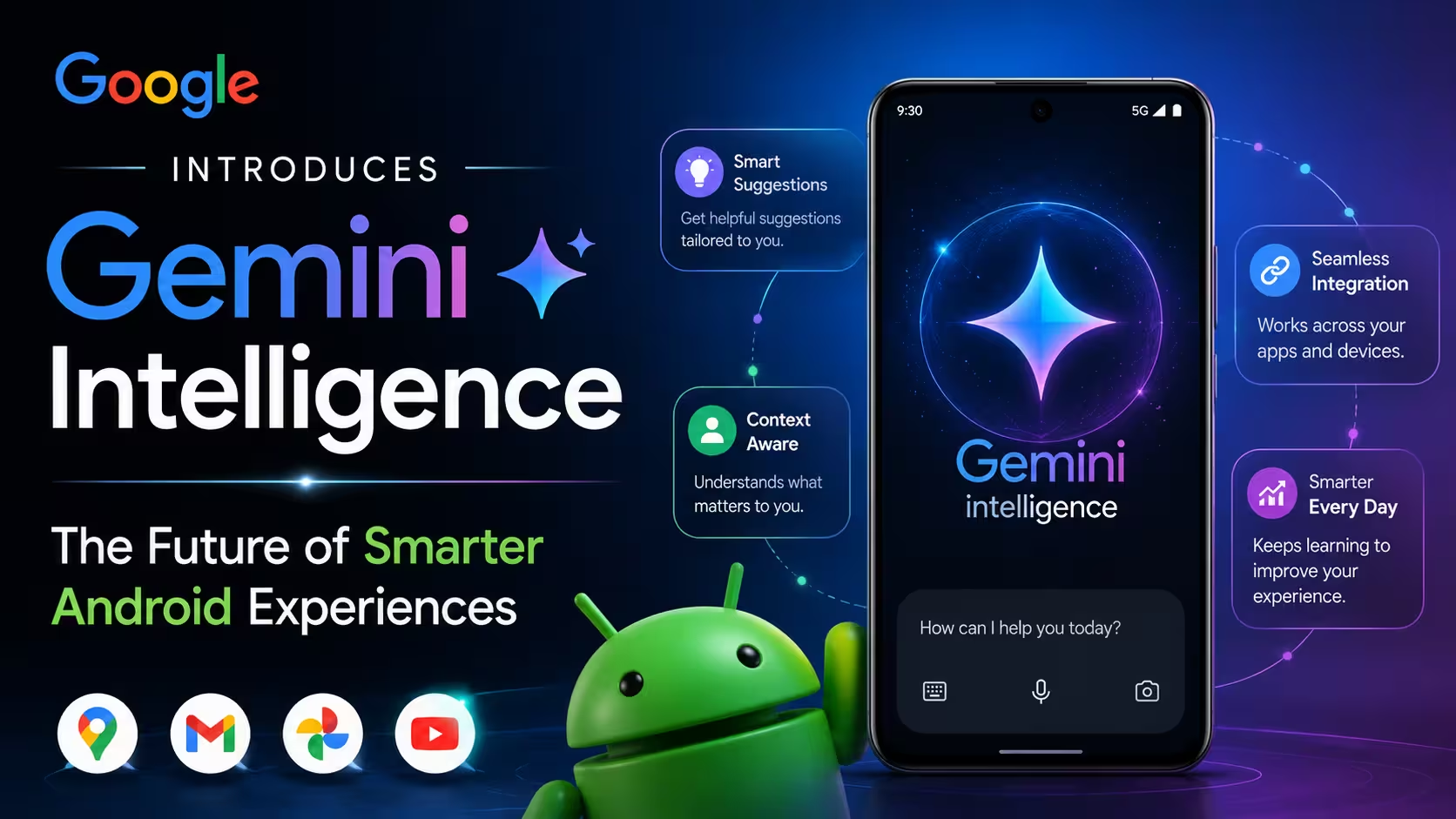
Google officially unveiled Gemini Intelligence at The Android Show on May 11, 2026. It’s a unified AI system that brings proactive, deeply integrated features to Android phones, Wear OS, cars, glasses, and laptops. From automating multi-step tasks to cleaning up your voice notes and auto-filling complex forms, Gemini Intelligence is designed to handle the busywork so you can focus on what actually matters.
I want you to picture this for a second. You’re looking at a grocery list on your phone. Instead of manually adding every item to your delivery app, you just ask Gemini to do it. It opens the app, fills the cart, and waits for your approval before placing the order.
That’s not a concept. That’s Gemini Intelligence, and it’s coming to your Android device this year.
Google announced Gemini Intelligence at The Android Show on May 11, 2026, framing it as the most significant step yet in bringing Gemini’s capabilities into the everyday Android experience. Not as a standalone app. Not as a chatbot you have to open. But as a proactive, ambient intelligence layer woven into everything your phone does.
What Is Gemini Intelligence?
Gemini Intelligence is Google’s new unified AI system for Android, announced at The Android Show on May 11, 2026. It brings together advanced Gemini AI features including multi-step task automation, proactive assistance, smarter autofill, intelligent voice-to-text via Rambler, Auto Browse in Chrome, and custom widget creation. It will roll out first on Pixel 10 and Galaxy S26 devices, then expand to Android watches, cars, glasses, and laptops later in 2026.
Think of Gemini Intelligence not as a single feature but as an operating philosophy for Android. It’s Google saying: your phone should be doing more for you without you having to orchestrate every step.
The system combines personalized context, real-time screen understanding, and deep app integration to act on your behalf across your entire Android ecosystem. It arrives at a time when competitors like Apple Intelligence and Samsung Galaxy AI are all racing to define what “AI on your device” actually looks like in practice.
When and Where Is Gemini Intelligence Rolling Out?
Google confirmed the following rollout timeline:
- Summer 2026: First available on Pixel 10 series and Samsung Galaxy S26 series
- Late June 2026: Chrome on Android gets Gemini integration including Auto Browse
- Later in 2026: Expanding to Wear OS watches, Android Auto cars, Android XR glasses, and Chromebooks and Android laptops
This is a phased rollout, not a single launch. Premium flagship devices get the features first, with the broader Android ecosystem catching up later in the year.
Every New Feature in Gemini Intelligence
Multi-Step Task Automation
This is the headline feature. Gemini Intelligence can now handle complex, multi-step tasks that previously required switching between multiple apps and managing every step manually.
Here’s what that looks like in real life:
- A grocery list on your screen becomes a filled delivery cart on your preferred app, ready for your final confirmation
- A travel brochure becomes a tour search on Expedia for your specific group size
- A class book list buried in an email becomes a full Amazon order waiting for your approval
The key design principle here is important: Gemini prepares and executes the task, but always pauses for your confirmation before anything irreversible happens. You can track its progress live through a notification while it works in the background.
Visual Context and Screen Intelligence
Gemini Intelligence can use whatever is currently on your screen as context for its actions.
This means you don’t have to describe what you’re looking at. You can point at a restaurant menu, a product listing, a travel brochure, or a document and ask Gemini to act on it directly. It reads the visual context and takes action without requiring you to copy, paste, or retype anything.
Combined with multi-step automation, this creates a genuinely powerful workflow: see something, ask Gemini, it handles the rest.
Auto Browse in Chrome
Starting in late June 2026, Gemini is coming to Chrome on Android with two major capabilities:
- Research, summarize, and compare content across the web within your browser session
- Auto Browse: Gemini can complete web-based tasks on your behalf, including booking appointments, reserving parking spots, and filling in online forms
Auto Browse is the browser-native version of the same agentic capability Google demonstrated in its computer use features. You tell it what you need done on a website. It does it. You confirm.
Do you know: Google Released Gemini 3.1 Flash Image for Free 4K Creation
Personal Intelligence and Smarter Autofill
Autofill is getting a serious upgrade through what Google calls Personal Intelligence.
Currently, Autofill with Google fills basic saved fields like passwords, addresses, and payment info. With Gemini Intelligence, it can now automatically populate even complex, non-standard text fields across apps and in Chrome, pulling relevant information from your personal context intelligently.
Critically, this is fully opt-in. Users choose to connect Gemini to Autofill via settings, and can disable it at any time. Google is positioning this as a privacy-first feature.
Rambler: Voice Input That Actually Works
This is one of my personal favorites from the entire announcement.
Rambler is a new Gboard feature that lets you speak completely naturally, complete with filler words, mid-thought corrections, and stream-of-consciousness rambling, and then intelligently converts it into clean, properly formatted text.
Practically, this means:
- Say “um,” “uh,” “like,” and “you know” as much as you want. Rambler strips them out.
- Change direction mid-sentence. Rambler follows your intent, not your exact words.
- Mix languages in a single sentence. Rambler handles multilingual input naturally, including switching between English and Hindi or other language combinations mid-thought.
- Rambler clearly indicates when it’s active so you always know when it’s listening and converting.
For anyone who thinks faster than they type or struggles with dictation because standard voice input transcribes every stutter and false start, Rambler is a genuinely practical improvement.
Custom Widgets via Gemini
Gemini Intelligence introduces generative UI capabilities that let users create custom home screen widgets simply by describing what they want.
Examples Google demonstrated include:
- A local events widget filtered for toddler-friendly activities
- A cycling route weather conditions widget
- Personalized information displays built around specific interests
These widgets work on both Android phones and Wear OS smartwatches, keeping personalized information visible without requiring users to open apps.
Pause Point: Distraction Management
A quieter but genuinely thoughtful feature. Pause Point helps users avoid apps they’ve identified as distractions.
When you tap on a flagged app, a pop-up appears suggesting alternatives: a breathing exercise, your favorite photos, or a more productive app. Users can also set per-app timers to limit excessive scrolling automatically.
This is Google acknowledging that some of the most problematic screen time happens on apps Google itself helped build. That’s a noteworthy piece of honesty built into the product design.
Screen Reactions
A new content creation feature that allows users to simultaneously record their face and their screen, making it easy to create reaction videos directly in-app without third-party tools.
Built for the reaction video format popular across social media, this removes the need for screen recording apps or external editing tools for basic reaction content.
Also know: Google Added Lyria 3 Music Generation to the Gemini App
Material 3 Expressive Design Language
Gemini Intelligence arrives alongside an updated design language built on Material 3 Expressive.
Google describes this as combining visual appeal with functionality through purposeful animations designed to reduce distractions and improve focus. The aesthetic changes are meant to feel like a natural evolution of Android’s visual identity while making AI interactions feel more integrated and less intrusive.
Which Devices Get Gemini Intelligence First?
| Device Category | Availability |
|---|---|
| Pixel 10 series | Summer 2026 |
| Samsung Galaxy S26 series | Summer 2026 |
| Wear OS smartwatches | Later in 2026 |
| Android Auto (cars) | Later in 2026 |
| Android XR (glasses) | Later in 2026 |
| Chromebooks and Android laptops | Later in 2026 |
Google has been explicit that Gemini Intelligence is designed to work across the entire Android ecosystem, not just phones. The cross-device vision means your watch, your car, your glasses, and your laptop will all eventually benefit from the same intelligent layer.
Gemini Intelligence vs. Apple Intelligence: How They Compare?
It would be strange not to put this side by side.
| Feature | Gemini Intelligence | Apple Intelligence |
|---|---|---|
| Multi-step automation | Yes, cross-app with visual context | Yes, via App Intents |
| Voice cleanup | Rambler in Gboard | Writing Tools cleanup |
| Browser AI | Chrome Auto Browse (June 2026) | Safari with Siri integration |
| Smart autofill | Personal Intelligence (opt-in) | AutoFill improvements |
| Custom widgets | Generative UI via Gemini | Interactive Widgets |
| On-device privacy | Opt-in data controls | Private Cloud Compute |
| Cross-device | Phone, watch, car, glasses, laptop | iPhone, iPad, Mac, Vision Pro |
| Availability | Pixel 10, Galaxy S26 first | iPhone 15 Pro, iPhone 16 lineup |
Both platforms are converging on the same vision: AI that acts on your behalf rather than waiting to be asked. The key differences come down to ecosystem and execution. Google’s advantage is Android’s cross-device breadth and Chrome integration. Apple’s advantage is tighter hardware-software control and a more established privacy architecture.
Do you know: Examples of Artificial Intelligence in Daily Life
Why Gemini Intelligence Matters?
Let me step back and tell you why I think this is a genuinely important announcement, not just another feature drop.
For years, AI assistants on phones have been reactive. You ask a question. You get an answer. You still have to take every subsequent step yourself.
Gemini Intelligence is the first serious attempt by Google to flip that model at scale. The AI initiates. The AI executes. You review and confirm. That’s a fundamentally different relationship between a user and their device.
And crucially, Google is doing this across the entire Android ecosystem, not just on its own Pixel devices. Samsung Galaxy S26 users get it too. Wear OS users get it. Android Auto users get it. That’s billions of devices, not millions.
The scale of that rollout is what makes Gemini Intelligence significant. Apple Intelligence is polished and deeply integrated. But Google’s reach is simply larger.
“Gemini Intelligence aims to integrate the company’s leading AI technologies into a unified system designed to be more proactively beneficial. This system will facilitate task automation by directly interacting with existing applications on a smartphone.”
— The Guardian, May 12, 2026
Frequently Asked Questions
What is Gemini Intelligence and how is it different from the regular Gemini app?
Gemini Intelligence is a system-wide Android AI layer announced May 2026. Unlike the Gemini app, it works proactively across all your apps and device functions.
When will Gemini Intelligence be available on my Android phone?
Pixel 10 and Galaxy S26 get it first in Summer 2026. Other Android phones, watches, cars, and laptops follow later in 2026.
What is the Rambler feature in Gboard and how does it work?
Rambler converts natural, filler-filled speech into clean formatted text. It removes “ums,” handles mid-sentence language switches, and clearly shows when it’s active.
Is Personal Intelligence and Autofill with Gemini safe to use?
Yes. It’s fully opt-in via settings. You enable it manually and can disable it anytime. Google positioned it as a privacy-first feature.
What can Gemini Intelligence actually do automatically on my phone?
It completes multi-step tasks like filling grocery carts, booking appointments, and ordering items. It always asks for your final confirmation before completing.
What is Auto Browse in Chrome and when does it arrive?
Auto Browse lets Gemini complete web tasks like booking tickets or reserving parking on your behalf. It arrives in Chrome on Android in late June 2026.
Can Gemini Intelligence understand what’s on my screen without me describing it?
Yes. Visual context lets Gemini read your screen directly and act on it without you typing or copying anything manually.
What is Pause Point and which apps can it work with?
Pause Point interrupts distraction apps you’ve flagged with a pop-up suggesting alternatives like breathing exercises or more productive apps.
Will Gemini Intelligence work on my Wear OS smartwatch too?
Yes. Custom widgets and Gemini Intelligence features expand to Wear OS watches later in 2026 after the initial phone launch.
Does Gemini Intelligence work on non-Google Android phones like Samsung?
Yes. Samsung Galaxy S26 series gets Gemini Intelligence alongside Pixel 10 in Summer 2026. Broader Android device support follows later.
Disclaimer:
This article is based on publicly available announcements from Google at The Android Show on May 11, 2026, and reporting from The Guardian, GSMArena, Firstpost, Indian Express, and Gadgets360 as of May 13, 2026. Feature availability, rollout timelines, and device compatibility may change before or after official launch. This article is for informational purposes only and does not constitute technical or purchasing advice.
