
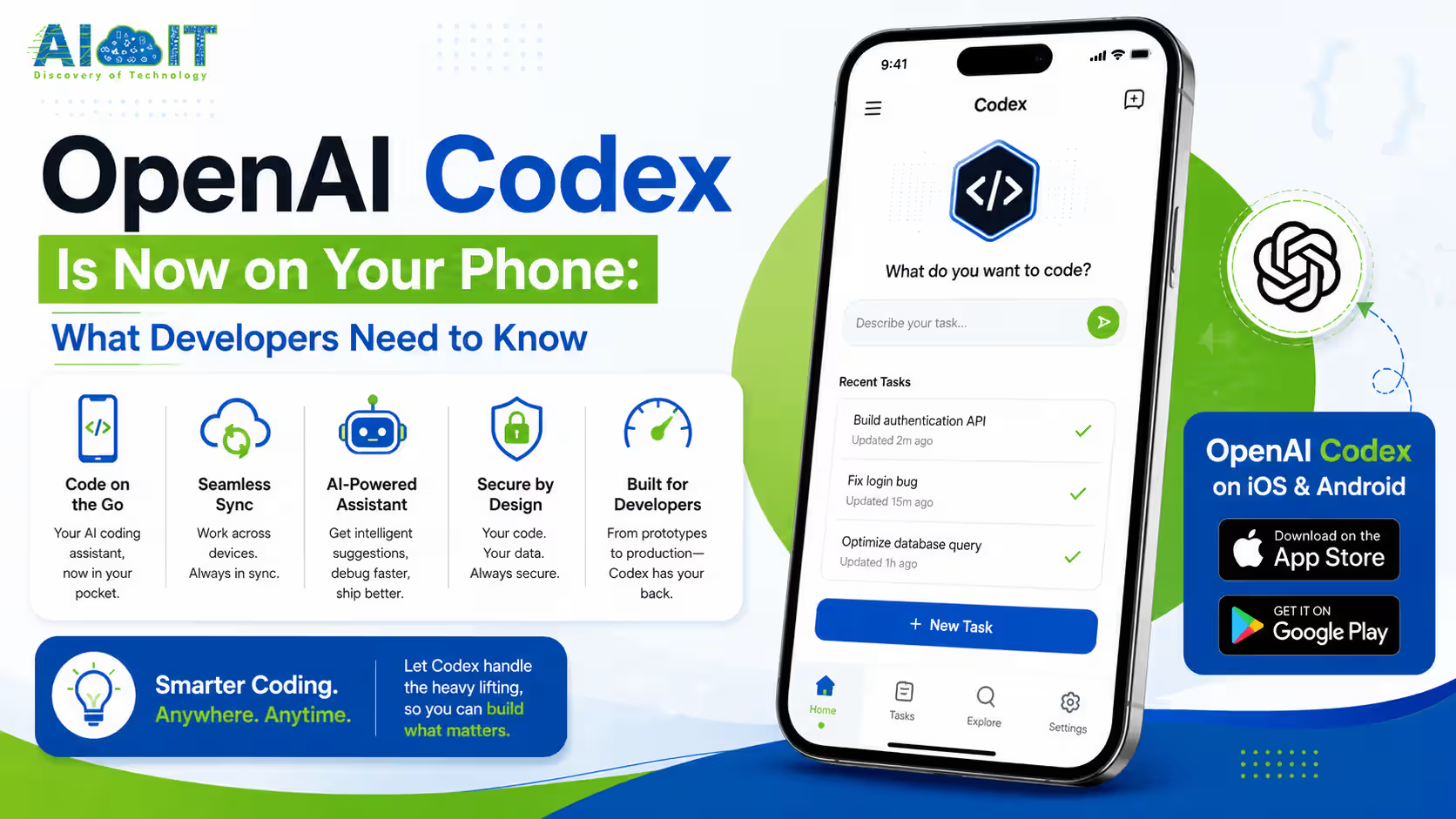
OpenAI brought Codex into the ChatGPT mobile app on May 14, 2026, available to every plan including the free tier. Your phone doesn’t run the code. It acts as a remote control for Codex running on your Mac, laptop, or server. From your phone, you can monitor tasks, review outputs, approve commands, switch models, and start new ones, without touching your desk.
I want you to picture a scenario that was impossible six months ago.
You’re on a train. You push a new feature branch to GitHub from your phone. Codex picks it up, writes the implementation, runs the tests, and sends you the diff for review. You approve it and keep reading. By the time you arrive, the pull request is ready.
That’s not a vision of AI-assisted development. That’s what Codex on mobile makes real right now.
What Just Happened?
OpenAI launched Codex inside the ChatGPT mobile app on May 14, 2026, in preview on iOS and Android across all subscription tiers including Free and Go. The update allows developers to remotely monitor and manage Codex coding workflows from their phones, connecting to environments running on Macs, laptops, devboxes, or remote servers. Files, credentials, and local configurations remain on the host machine. The phone receives live updates, diffs, terminal output, test results, and approval prompts.
OpenAI announced the mobile integration on Thursday, May 14, framing it explicitly as more than remote control for a single task.
“From your phone, you can work across all of your threads, review outputs, approve commands, change models, or start something new,” OpenAI said in its official statement.
More than 4 million people are already using Codex every week. The mobile expansion is designed to keep that base productive without needing to stay at their desks.
What Codex Mobile Actually Is (And What It Is Not)?
This distinction matters enormously and most coverage of this announcement gets it wrong.
Your phone is not running code. Your phone is a remote control.
Codex runs on your Mac, laptop, devbox, or company server. The ChatGPT mobile app connects to that environment through a secure relay layer and streams live activity back to your screen.
Here is exactly what stays on the host machine and what moves to your phone:
| Stays on Host Machine | Streams to Your Phone |
|---|---|
| Files and codebase | Task progress updates |
| Credentials and API keys | Terminal output |
| Permissions and local config | Test results |
| Development environment | Code diffs and changes |
| Local software and tools | Permission approval prompts |
| Session context | Screenshots of task state |
OpenAI uses a secure relay infrastructure to keep trusted machines reachable across devices without exposing them directly to the public internet. That relay also synchronizes active session context across all authorized ChatGPT devices signed into the same account.
The result: your sensitive data never touches your phone. You just see what Codex is doing and decide what happens next.
“This is more than the ability to remotely control a single task or dispatch new tasks to your computer. From your phone, you can work across all of your threads, review outputs, approve commands, change models, or start something new.”
— OpenAI, Official Announcement, May 14, 2026
Recent News:
Google Introduces Gemini Intelligence: The Future of Smarter Android Experiences
OpenAI Releases GPT-5.5 Just Days After Anthropic’s Opus 4.7
Hottest AI Startups in Silicon Valley You Need to Watch
What You Can Actually Do From Your Phone?
This is the part most developers care about. Here is the complete picture of what mobile Codex enables:
- Monitor live task progress — Watch Codex work in real time with terminal output streaming to your screen
- Review code diffs — See exactly what changes Codex made before they go anywhere
- Approve or reject commands — Codex pauses on actions that need your sign-off and waits for a tap
- Start new tasks — Dispatch fresh coding tasks from anywhere without touching your laptop
- Manage all active threads — Switch between multiple parallel Codex workflows running simultaneously
- Change models mid-session — Switch between GPT-5.5 and other available models inside an active thread
- Respond to permission prompts — When Codex needs elevated access or wants to take an irreversible action, you approve or deny from your phone
- Review pull request proposals — Codex can propose pull requests from its work and you review and confirm from mobile
What Codex Can Do as a Coding Agent?
Before talking more about the mobile experience, it’s worth being clear about what Codex actually does as an agent, because it’s more capable than most people realize.
- Write complete features from a brief natural language description
- Fix bugs by reading error output, tracing the root cause, and implementing a fix
- Refactor existing code across multiple files while maintaining function
- Answer questions about your codebase using context from your actual files
- Write and run tests including edge cases you didn’t explicitly specify
- Propose pull requests with structured summaries ready for team review
- Plan multi-step releases by breaking large tasks into sequenced workstreams
- Operate in parallel worktrees using built-in cloud environments so multiple agents work on different tasks simultaneously
The cloud-based Codex calls from the web or phone do not count against your 5-hour local usage limit, which is one of the most practical details buried in the announcement.
Every Other Update That Shipped Alongside Mobile
The mobile announcement came with several additional updates that developers need to know about.
Remote SSH Now Generally Available
Remote SSH support graduated from preview to general availability. This enables Codex to connect directly to managed enterprise environments and remote developer infrastructure, meaning teams can run Codex against production-adjacent servers without configuring complex network routing.
Hooks: Automated Workflow Triggers
Hooks is a new automation layer that triggers Codex actions on events rather than requiring manual dispatch.
Practical use cases:
- Automatically run Codex review on every new pull request the moment it is opened
- Trigger a bug fix workflow when a CI test suite fails
- Run a documentation update whenever a feature branch merges
- Kick off a security scan on new commits to protected branches
This turns Codex from a tool you actively prompt into a continuous background developer that reacts to your repository events automatically.
Access Tokens for Third-Party Connections
OpenAI added personal access tokens, enabling third-party tools like Cursor, VS Code, Windsurf, and other IDE connectors to authenticate with Codex more reliably.
This closes the loop on a frustration developers had with earlier API integrations where authentication would silently break between sessions.
Chrome Extension Now Available
Earlier in May, OpenAI also launched a Chrome extension that allows Codex to work inside live browser sessions, adding web context to coding tasks that involve frontend work, API documentation review, or browser-based testing.
Windows Support: Coming Soon
The current mobile release connects to macOS systems only. Windows support is listed as coming soon, with no confirmed date yet.
How to Set Up Codex Mobile Step by Step?
What You Need Before Starting?
- The latest ChatGPT mobile app installed on iOS or Android
- The Codex desktop app installed on your Mac (download at chatgpt.com/download)
- Any ChatGPT account, including free tier
- Your Mac must be on and running Codex during mobile sessions
Step 1: Update the ChatGPT Mobile App
Open the App Store (iOS) or Google Play (Android) and update ChatGPT to the latest version. The Codex feature requires the most recent build.
Step 2: Install the Codex Desktop App on Your Mac
Download and install the Codex app from chatgpt.com/download on your Mac. Sign in with the same ChatGPT account you use on your phone.
Step 3: Open the ChatGPT Mobile App and Find Codex
Open the ChatGPT app on your phone. Navigate to the sidebar, where you will find Codex alongside ChatGPT, Sora, and Operator. Tap it to open the Codex mobile interface.
Step 4: Connect to Your Mac
Inside the Codex mobile interface, you will see your Mac listed as an available environment, assuming the Codex desktop app is running on it. Tap to authorize the connection. OpenAI’s secure relay handles the handshake.
Step 5: Start or Monitor a Task
You can now start a new coding task from your phone or monitor tasks already running on your Mac. Type a prompt describing what you want Codex to do, or tap into an existing thread to see its live status.
Step 6: Respond to Approval Prompts
When Codex reaches a step that needs your permission, a notification appears on your phone. Tap to review the proposed action and approve or reject it. Codex waits for your response before continuing.
Practical Workflows Unlocked by Codex Mobile
Here are real ways developers are using Codex mobile right now:
The Commute Code Review
Set up a Hooks trigger so Codex automatically reviews every new pull request. By the time you check your phone on the train, Codex has reviewed the PR, flagged potential issues, and suggested improvements. You read the summary and approve or request changes without opening your laptop.
The Background Build
Dispatch a complex refactor from your phone before a meeting. Codex runs the task on your Mac while you’re in the conference room. You get approval prompts as notifications. You tap approve when the action looks right. The refactor is complete by the time the meeting ends.
The Remote Research to Dashboard Pipeline
Ask Codex from your phone to research a topic, pull data from an API, and build a local visual dashboard from the results. Codex handles the research, writes the data fetching code, runs it, generates the visualization, and saves the dashboard to your Mac. You never opened a code editor.
The Snake Game in Two Prompts
One developer documented building a working Snake game from their phone with two prompts, then had Codex package it as a real iOS installable app, all from the ChatGPT mobile app while Codex ran on the developer’s Mac. The total time: under ten minutes.
Pricing and Usage Limits
Here is the full breakdown of how Codex mobile access works across plans:
| Plan | Codex Mobile Access | Usage Model |
|---|---|---|
| Free | Yes (preview) | Basic usage limits |
| Go | Yes (preview) | Basic usage limits |
| Plus ($20/mo) | Yes | 5-hour local limit, resets every 5 hours |
| Pro ($200/mo) | Yes | Higher limits |
| Business | Yes | Team usage controls |
| Enterprise | Yes | Admin-controlled, Remote SSH included |
Token-based billing for heavier Codex usage kicked in on April 2, 2026. Power users on higher plans now pay based on actual usage rather than a flat cap. [Source]
One important detail: cloud-based Codex calls from the web or phone do not count against your 5-hour local usage limit. You can code locally in Cursor or VS Code and use mobile Codex for PR reviews and remote tasks without burning through your local allocation.
Codex vs. Claude Code on Mobile: The Competitive Context
The timing of this release is not accidental.
OpenAI and Anthropic are in an active feature-shipping war right now. Anthropic bumped Claude Code’s weekly usage limits by 50% the same week Codex mobile launched. OpenAI announced that Codex is free for two months for any company switching from Claude Code.
Here is how they compare on mobile workflow capability right now:
| Capability | Codex Mobile | Claude Code |
|---|---|---|
| Mobile access | Yes, ChatGPT app (iOS and Android) | CLI-based, no dedicated mobile app |
| Remote environment | Mac now, Windows coming soon | Any terminal with SSH |
| Parallel agents | Yes, built-in worktrees | Yes, via terminal multiplexing |
| PR automation | Yes, via Hooks | Yes, via GitHub Actions |
| Remote SSH | Yes, GA as of May 2026 | Yes, native terminal SSH |
| Approval prompts on phone | Yes, native push notifications | Requires manual terminal check-in |
| Free tier access | Yes | Yes |
The honest read: Claude Code is more powerful for advanced terminal workflows and deep code context. Codex mobile wins on the remote monitoring and approval experience because it was built natively into a mobile app rather than retrofitted from a CLI.
Why This Release Actually Matters?
Here is the shift I want you to notice.
AI coding tools until now have been desktop-first by design. They sit inside your editor. They run in your terminal. They assume you are at a computer when you use them.
Codex mobile breaks that assumption. It says the developer relationship with AI coding agents doesn’t have to pause when you step away from your desk. Agents keep working. You stay in the loop from wherever you are. You approve the decisions that require human judgment and let the agent handle everything else.
That is not a quality-of-life improvement. That is a fundamental change in how AI-assisted development works. The agent doesn’t wait for you. You check in on the agent. [Source]
When 4 million developers a week are already using Codex and OpenAI makes it available on every plan including free, the implication is obvious: this is how software development is going to work going forward, not eventually, but now.
Commonly Asked Questions
Does Codex actually run code on my phone?
No. Your phone is a remote control. Codex runs on your Mac or server. The app streams task updates, diffs, and approval prompts to your phone securely.
Which plans get Codex mobile access?
All plans get access, including Free and Go. It’s rolling out in preview on iOS and Android across all ChatGPT subscription tiers worldwide.
Do cloud Codex tasks from my phone count against my local usage limit?
No. Cloud-based Codex calls from the web or mobile don’t count against your 5-hour local limit. Use both independently without burning each other’s allocation.
What is Codex Hooks and how does it work?
Hooks automatically triggers Codex on GitHub events like new pull requests or failed CI tests. It turns Codex into a continuous background coding agent without manual prompting.
Does Codex mobile work on Windows?
Not yet. Mac connectivity is live now. Windows support is listed as coming soon with no confirmed release date from OpenAI.
Is Remote SSH for Codex now free to use?
Remote SSH graduated to general availability alongside the mobile launch. It’s available to enterprise and team plans for connecting Codex to managed remote infrastructure.
How do I find Codex inside the ChatGPT mobile app?
Open the ChatGPT app, navigate to the sidebar, and look for Codex alongside ChatGPT, Sora, and Operator. Update the app first if it doesn’t appear.
Can I approve risky Codex actions from my phone?
Yes. Codex pauses on actions needing your permission and sends an approval prompt to your phone as a notification. You tap to approve or reject before it continues.
How does Codex mobile compare to Claude Code for remote workflows?
Codex wins on native mobile approval experience and push notifications. Claude Code is more powerful for deep terminal workflows but lacks a dedicated mobile app.
Disclaimer
This article is based on publicly available announcements from OpenAI, TechCrunch, The Verge, Reuters, Gagadget, Pulse2, and WHBL as of May 15, 2026. Codex mobile is currently in preview and features, availability, pricing, and platform support may change before or after general availability. Windows support timing is unconfirmed. This article is for informational purposes only and does not constitute technical or purchasing advice.
