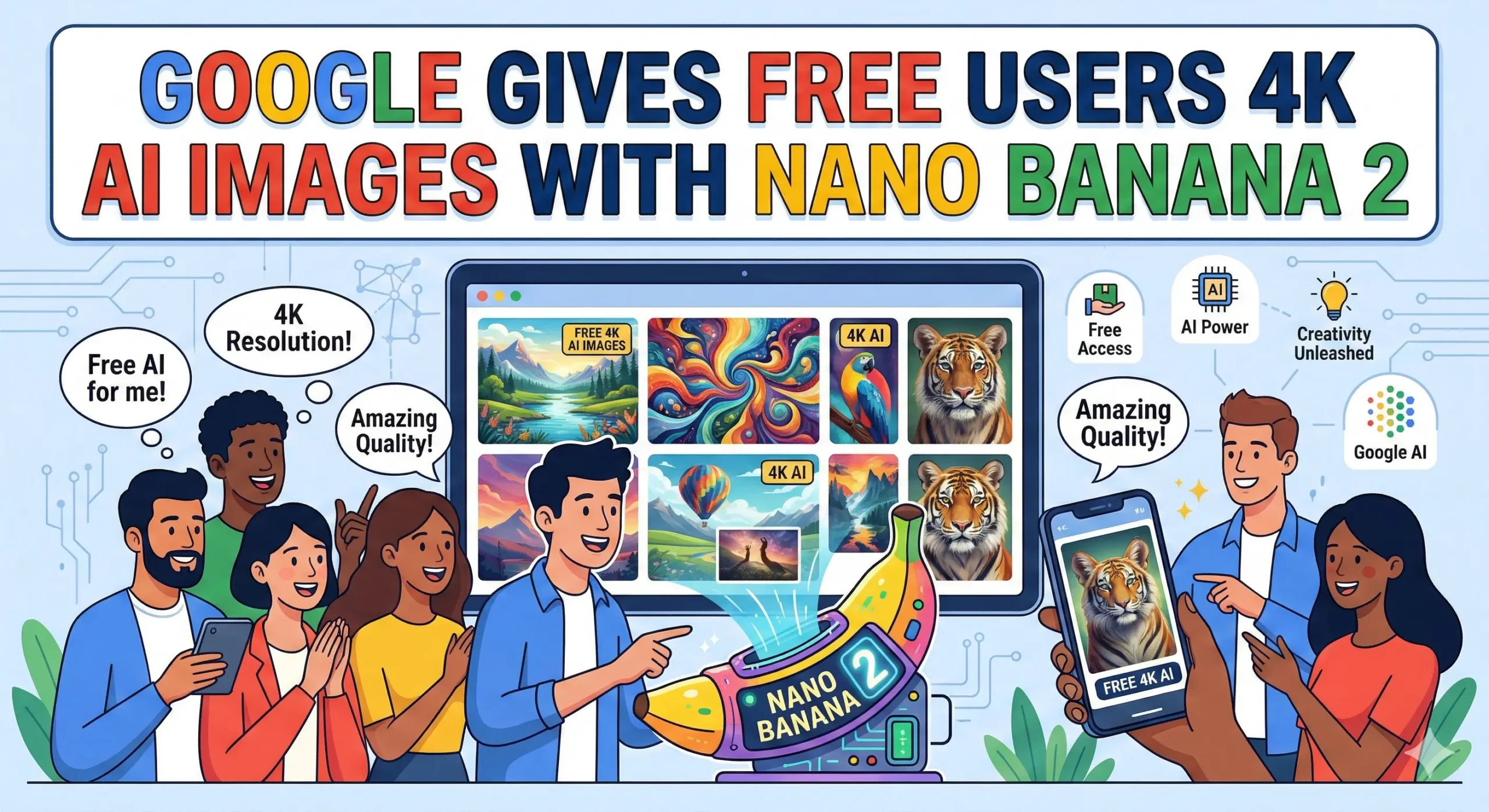
TL;DR: Google launched Nano Banana 2 (officially called Gemini 3.1 Flash Image) on February 26, 2026 — and this time, the 4K image generation, real-world grounding, accurate text rendering, and multi-character consistency that were previously locked behind paid plans are now available to free users. It’s rolling out across the Gemini app, AI Mode in Google Search, Flow, and the Gemini API. Yes, really free. With some limits.
Nobody expected this one. Google quietly dropped something genuinely useful this week — and unlike most “free” AI announcements that turn out to be a three-day trial with a credit card required, this one is actually what it sounds like.
Meet Nano Banana 2. And yes, that’s its real name.
What Is Nano Banana 2?
Nano Banana 2 — officially named Gemini 3.1 Flash Image — is Google’s latest AI image generation model, launched on February 26, 2026. It brings Pro-level image generation features including 4K resolution output, real-world grounding via live search data, accurate text rendering, and consistency across up to 5 characters, all available to free Gemini users for the first time.
Think of it as Google taking the best features of its premium Nano Banana Pro model and making them accessible without a paywall. The “Nano Banana” nickname comes from the 🍌 emoji used to mark image creation inside the Gemini app — which, honestly, is more charming than it has any right to be.
Where It Fits in Google’s Image Model Lineup?
| Model | Also Known As | Resolution | Access |
|---|---|---|---|
| Nano Banana 2 | Gemini 3.1 Flash Image | 512px → 4K | Free (with limits) |
| Nano Banana Pro | Gemini 3 Pro Image | Up to 4K | Paid (AI Pro / Ultra) |
| Imagen 4 | Imagen 4 | 4K / photorealistic | API / Paid |
Nano Banana 2 is explicitly positioned as the “Flash” tier — faster, lighter, and now free. Pro subscribers still get Nano Banana Pro for specialized, heavier tasks. But for everyday image creation? Free users just got a massive upgrade. [Source: theverge]
Do you know: How to Use Perplexity AI to Generate Images on WhatsApp
What’s Actually New in Nano Banana 2?
Let’s skip the PR fluff and talk about what’s genuinely different and worth caring about.
The Features That Matter Most
- 4K Resolution Output — Generate images at 512px, 1K, 2K, or full 4K resolution. Previously, 4K was locked to paid plans. Free users defaulted to lower-resolution outputs. That changes now. [Source: ai.google]
- Real-World Grounding — Nano Banana 2 uses live web search data and Gemini’s knowledge base to generate more contextually accurate images. Asking it to create an infographic about a current topic? It actually knows what’s happening.
- Accurate Text Rendering — One of AI image generation’s most persistent weaknesses. Nano Banana 2 can produce legible, stylized text inside images — useful for infographics, menus, posters, marketing assets, and diagrams.
- Localized Text Translation — The model supports localized text inside generated images, meaning you can produce visuals with accurate non-English text without the usual garbled-alphabet nightmare
- 5-Character Consistency — Maintain the visual appearance of up to five characters consistently across a single generation workflow. This was a Nano Banana Pro exclusive. Now it’s free.
- Better Visual Quality — Brighter lighting, richer textures, improved fine detail, and stricter adherence to complex prompts compared to the original Nano Banana model.
- Full Aspect Ratio Control — Square, portrait, landscape, and custom ratios — with full resolution control from 512px all the way up to 4K.
Where You Can Use It Right Now?
Google didn’t limit this to one platform. Nano Banana 2 is rolling out across multiple surfaces simultaneously:
- Gemini App (mobile and desktop) — Replaces Nano Banana Pro as the default in Fast, Thinking, and Pro generation modes for free users
- AI Mode in Google Search — Available directly inside AI Mode on Google Search (mobile and desktop browsers)
- Google Flow — Google’s AI video creation tool now uses Nano Banana 2 as its default image generation backbone
- Gemini API / Google AI Studio — Developers can access it via the API with the model name
gemini-3.1-flash-image
Do you know: How Many Images Can You Upload to DeepSeek
How to Access It in the Gemini App?
- Open the Gemini app (or gemini.google.com)
- Tap or click “Create images” — look for the 🍌 emoji
- The model defaults to Nano Banana 2 for free users — no switching needed
- Choose your aspect ratio and resolution (up to 4K)
- Write your prompt and generate
That’s it. No API key. No credit card. No trial countdown.
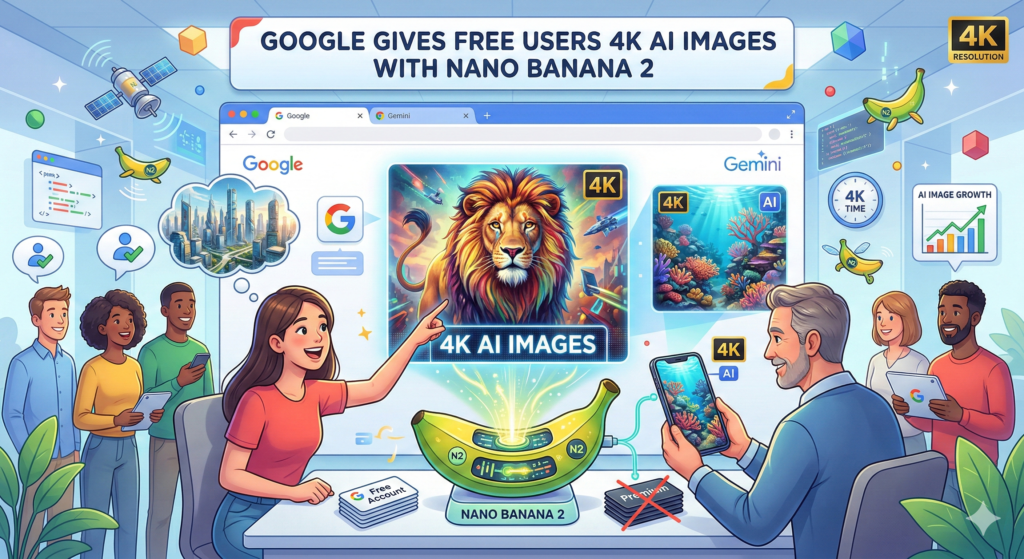
Example image:
The “Free” Fine Print — What Are the Limits?
Okay, let’s be real here. “Free” in the AI world almost always comes with asterisks. Here’s what we know about the actual limits:
- Generation limits apply — Free users will hit a daily or session-based generation cap faster than paid subscribers. Once you reach the limit, you revert to the original (lower-capability) Nano Banana model — not Nano Banana Pro.
- Nano Banana Pro remains for paid users — Google AI Pro ($20/mo) and Ultra subscribers retain exclusive access to Nano Banana Pro “for specialized tasks.” Think of it as the heavy-duty option for professional, high-volume work.
- API usage is metered — If you’re a developer accessing via the Gemini API or Google AI Studio, usage is billed after free tier limits are exhausted. Google Cloud’s $300 free credit trial covers this for new accounts.
- Watermarking — AI-generated images may carry SynthID watermarks — Google’s invisible AI watermark technology — depending on platform and use case. [Source: cnet]
Is it truly unlimited free 4K generation? No. Is it genuinely more capable than what free users had before? Absolutely yes.
Why This Is a Bigger Deal Than It Looks?
Here’s the thing — the timing isn’t accidental.
OpenAI’s DALL-E and GPT-4o image generation are behind ChatGPT Plus paywalls for the best quality. Midjourney has never had a free tier at all. Adobe Firefly gives you 25 free generative credits per month before the meter runs out. And Stable Diffusion, while technically open-source, requires technical setup that the average person simply won’t do.
Google just cleared that entire playing field for free users. 4K generation. Real-world grounding. Accurate text in images. All free. All inside apps people already use daily.
For marketers, content creators, small business owners, educators, and developers — this is a genuine competitive shift. You no longer need a paid subscription to generate professional-quality visual assets with an AI model that actually knows what’s happening in the world.
“Nano Banana 2 delivers Pro-level intelligence and fidelity for all image applications — bringing the high-speed intelligence of Gemini Flash to visual generation, making complex image creation faster, cheaper, and simpler.”
— Google DeepMind, February 2026 [blog]
Do you want to check: Free AI Tools for Image Generation
Nano Banana 2 vs. The Competition
How It Stacks Up?
| Feature | Nano Banana 2 (Free) | DALL-E 3 (Free) | Midjourney | Adobe Firefly (Free) |
|---|---|---|---|---|
| Max Resolution | 4K | ~1K | Up to 4K | ~1K |
| Free Access | ✅ Yes | Limited via Bing | ❌ No free tier | 25 credits/mo |
| Text in Images | ✅ Accurate | ⚠️ Inconsistent | ⚠️ Inconsistent | ✅ Good |
| Real-World Grounding | ✅ Via Gemini | ❌ No | ❌ No | ❌ No |
| Character Consistency | ✅ Up to 5 | ❌ No | ⚠️ Partial | ❌ No |
| In-App Integration | Gemini, Search, Flow | ChatGPT, Bing | Midjourney app | Adobe apps |
The real differentiator isn’t just the 4K resolution. It’s the real-world grounding — the ability to pull live information into image generation context. No competitor currently matches that at the free tier.
For Developers: Using Nano Banana 2 via the API
If you’re building apps or automating image generation workflows, here’s the essentials:
Key API Details
- Model name:
gemini-3.1-flash-image - Default output: 1K resolution
- Available resolutions:
512px,1K,2K,4K(must use uppercase K) - Specify resolution via:
image_sizeparameter insidegeneration_config - Access via: Google AI Studio, Gemini API, Vertex AI
- Free tier: Available under standard Gemini API free limits
textgeneration_config = {
  "image_size": "4K"
}
Note: Lowercase parameters (1k, 4k) are rejected by the API — always use uppercase K.
Few Expert Quotes:
“Nano Banana 2 brings the high-speed intelligence of Gemini Flash to visual generation — making complex image creation faster, more affordable, and simpler for everyone, not just paid subscribers.”
— Naina Raisinghani, Product Manager, Google DeepMind [theverge]
“Real-world grounding is the feature that separates Nano Banana 2 from every other free image model on the market. Being able to generate contextually accurate visuals based on current information — that’s not a minor upgrade, that’s a structural advantage.”
— Tech-Now.io, February 2026 [tech-now]
“The quality difference between Google AI Studio’s 4K output and what you get from Gemini Chat or Flow is significant — AI Studio with Nano Banana Pro produces the sharpest, largest file sizes. Now that gap is closing for free users with Nano Banana 2.”
— Code and Create, YouTube [youtube]
Also check: Top 10 Image Annotation Tools
Frequently Asked Questions
Does Nano Banana 2 support image editing or only new image generation?
Nano Banana 2 supports both new image generation and image editing. You can upload an existing image and modify elements such as background, text, lighting, or objects using prompt-based instructions.
What is the maximum file size for generated 4K images?
4K images generated by Nano Banana 2 typically range between 3MB and 12MB depending on complexity, color density, and compression settings.
Can Nano Banana 2 generate transparent PNG images?
Yes, transparent backgrounds are supported when explicitly requested in the prompt or API configuration.
Is there a daily limit for free users in Nano Banana 2?
Yes. Free Gemini users have daily generation caps. Once the limit is reached, access may revert to a lower-capability model or pause until the quota resets.
Does Nano Banana 2 support multiple aspect ratios?
Yes. It supports square, landscape, portrait, and custom aspect ratios via the Gemini app and API settings.
Can Nano Banana 2 maintain character consistency across multiple images?
Yes, up to five consistent characters per session for Nano Banana 2. Nano Banana Pro allows more advanced multi-reference consistency.
Is Nano Banana 2 safe for commercial use?
Yes, commercial use is permitted under Google’s Gemini API and AI terms, provided content follows usage policies and copyright guidelines.
Can it generate realistic human faces?
Yes. Nano Banana 2 supports photorealistic human generation with improved facial symmetry and hand accuracy compared to earlier models.
Does Nano Banana 2 support multilingual prompts?
Yes. It understands and generates content from prompts in multiple languages, including localized text inside images.
Can Nano Banana 2 recreate copyrighted characters?
No. Like most AI image tools, it restricts generation of copyrighted or trademarked characters to comply with usage policies.
Can Nano Banana 2 generate images based on current news events?
Yes. Because it’s grounded in live web data, it can reflect up-to-date topics more accurately than non-grounded image models.
Disclaimer:
This article is based on publicly available information from Google, The Verge, CNET, and Google AI for Developers as of February 27, 2026. Free tier limits, model availability, API pricing, and feature access may change as Google updates its platforms. Always verify current access terms directly at gemini.google.com and ai.google.dev before making product or budget decisions. This article is for informational purposes only.
