
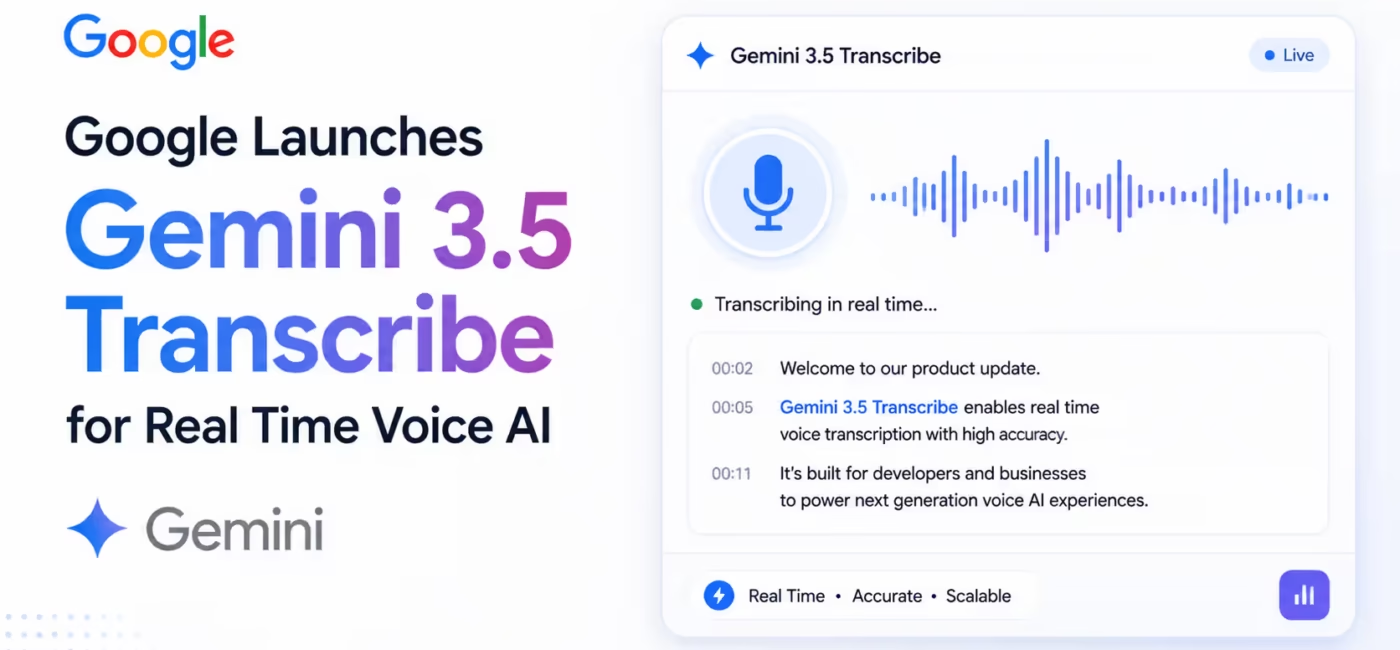
Google has introduced Gemini 3.5 Transcribe, a speech to text model built for real time voice agents, live captioning and post call analytics. It converts raw audio directly into accurate, context aware text across 85+ languages, with 2 versions covering real time streaming and long form file processing.
At AICloudIT, we track transcription models closely because voice interfaces are becoming the default entry point for AI agents, and this release changes what teams can build without stitching together separate tools.
Most transcription tools still treat speech to text as a mechanical conversion step. You get raw words, filler sounds included, with no understanding of who said what or why it matters downstream.
Gemini 3.5 Transcribe is built around a different premise. It converts raw audio directly into polished, context aware text, cleaning up false starts, formatting spoken numbers and dates, and understanding domain specific jargon as it transcribes, not after.
What Is Gemini 3.5 Transcribe?
Gemini 3.5 Transcribe is Google’s speech to text model built on Gemini’s audio understanding capabilities. It offers low latency accurate transcription with automatic language detection across 85+ languages, speaker diarization, word level timestamps, smart transcription formatting, and custom vocabulary biasing. It ships in two versions, gemini-3.5-transcribe for pre-recorded audio processing and gemini-3.5-transcribe-live for real time streaming, and is designed for voice agents, live captioning tools, and post call analytics pipelines.
The model is available now through Google AI Studio and the Gemini API, with SDK support for Python, JavaScript and Go, along with direct REST API access via cURL.
2 Versions Built for Different Jobs
Gemini 3.5 Transcribe is not a single model trying to do everything. Google split it into two purpose built endpoints, and the feature set differs meaningfully between them.
Real Time Streaming
The gemini-3.5-transcribe-live model delivers continuous, bidirectional streaming with sub second latency, built specifically for interactive voice agents and real time captioning through the Live API.
Key features:
- Sub second latency streaming over WebSockets
- Automatic language detection across 85+ languages, including mid session code mixing
- Custom vocabulary biasing with up to 1,000 terms
- Smart dictation and formatting including filler word removal
- Maximum audio duration of 10 minutes per session
Pre Recorded Audio Processing
The gemini-3.5-transcribe model handles longer audio files in a single request, transcribing up to 1 hour of audio with multi speaker diarization for up to 3 speakers and word level timestamps, accessed through the Interactions API.
Key features:
- Up to 1 hour of audio per request
- Speaker diarization supporting up to 8 speakers, though attribution for 3 or more speakers is experimental
- Word level timestamps, though enabling this reduces the maximum duration to 30 minutes and can degrade transcription accuracy slightly
- Custom vocabulary biasing with up to 1,000 terms, though Google notes best results typically come from lists of up to 100 terms
Feature Comparison Across Both Endpoints
| Feature | Live Streaming | File Processing |
| Language auto detection | Supported, 85+ languages | Supported, 85+ languages |
| Word level timestamps | Not supported | Supported, reduces accuracy slightly |
| Custom vocabulary biasing | Up to 1,000 terms | Up to 1,000 terms |
| Smart dictation and formatting | Supported | Supported |
| Speaker diarization | Not supported | Supported, up to 8 speakers |
| Max audio duration | 10 minutes per session | Up to 1 hour, 30 minutes with diarization or timestamps enabled |
Do you know these:
10 Best AI Video Generators for Marketing Teams (Text-to-Video)
Free AI Tools for Image Generation: Text to Image Online
Smart Transcription Mode Solves a Real Annoyance
Anyone who has read a raw speech to text transcript knows the problem. Every “um,” every false start, every half sentence a speaker abandons mid thought ends up on the page exactly as spoken.
Smart transcription mode filters out filler words and false starts, resolves spoken self corrections, and automatically formats spoken lists, dates and numbers into clean text. That last part matters more than it sounds. A transcript ready for downstream LLM processing needs numbers and dates in structured form, not spelled out as someone said them in conversation.
Custom Vocabulary for Domain Specific Accuracy
Generic transcription models routinely mangle product names, acronyms and industry jargon because those terms rarely appear in general training data.
Gemini 3.5 Transcribe addresses this with custom vocabulary biasing, letting developers supply a list of up to 1,000 domain specific terms the model should recognize accurately. Google’s own guidance notes that most customers see the best results keeping that list closer to 100 terms rather than maxing it out, since a smaller, more targeted list biases the model more effectively than an exhaustive one.
Global Language Support at Scale
The model automatically detects and transcribes across more than 85 languages and dialects, handling regional accents and code switching, where a speaker shifts between languages mid conversation, without requiring a manual language selection.
Coverage spans widely used languages including English across US, UK and Indian variants, Mandarin Chinese, Hindi, Arabic, Spanish across Latin American and US variants, and dozens of others from Amharic and Kabuverdianu to Uzbek and Vietnamese, each mapped to a specific BCP-47 language code for precise configuration.
How to Start Building?
Getting started requires an API key and one of the supported SDKs.
Here is the basic pattern for transcribing a pre-recorded file with diarization and word level timestamps:
from google import genai

client = genai.Client()

# Upload audio file via the Files API
audio_file = client.files.upload(file="path/to/audio.wav")

# Transcribe with speaker diarization and word timestamps
interaction = client.interactions.create(
    model="gemini-3.5-transcribe",
    input=[{
        "type": "audio",
        "uri": audio_file.uri,
        "mime_type": audio_file.mime_type,
    }],
    generation_config={
        "transcription_config": {
            "language_codes": ["en-US"],
            "custom_vocabulary": ["Gemini", "Transcribe"],
            "mode": {
                "type": "verbatim",
                "diarization_mode": "speaker",
                "timestamp_granularities": ["word"],
            }
        }
    }
)

print(interaction.output_text)
For real time use cases, developers should reference the Live API documentation and use the gemini-3.5-transcribe-live model instead, since the request pattern and supported features differ from the file based Interactions API shown above.
What This Model Is Not Built For
It is worth being clear about the model’s boundaries. Gemini 3.5 Transcribe does not support caching, code execution, file search, function calling, image generation or thinking capabilities. It is also not available through Batch API, Flex inference or Priority inference consumption options. This is a dedicated speech to text model, not a general purpose reasoning model that happens to handle audio.
Where This Fits in Real Workflows
The three use cases Google names directly, voice agents, live captioning and post call analytics, map to genuinely different technical needs, and the two model split reflects that.
- Voice agents need the live model’s sub second latency to hold a natural feeling conversation
- Live captioning tools need the same low latency streaming plus reliable language detection across accents
- Post call analytics pipelines need the file processing model’s diarization and word level timestamps to attribute statements to specific speakers and build searchable, timestamped transcripts
At AICloudIT, this kind of task specific model split is exactly what we look for when evaluating new AI infrastructure for our directory. A single model trying to serve every audio use case usually ends up mediocre at each one, while this two endpoint approach lets teams pick the right tool for the specific latency and accuracy tradeoffs their product actually needs.
List Your Voice AI Tool on AICloudIT
If you are building a voice agent, captioning tool or analytics platform on top of models like Gemini 3.5 Transcribe, AICloudIT can put your tool in front of teams actively researching this exact category.
- Browse existing listings on the AICloudIT AI Tools Directory
- List your own tool by creating an account on AICloudIT
Frequently Asked Questions
What is Gemini 3.5 Transcribe used for?
It converts raw audio into accurate text for voice agents, real time captioning tools and post call analytics pipelines across 85+ languages.
What is the difference between the two Gemini 3.5 Transcribe models?
The live model handles real time streaming up to 10 minutes with sub second latency, while the file model processes up to 1 hour of pre-recorded audio with diarization.
Does Gemini 3.5 Transcribe support speaker identification?
Yes, the file processing model supports diarization for up to 8 speakers, though accuracy for 3 or more speakers is still experimental.
How many languages does Gemini 3.5 Transcribe support?
It supports over 85 languages and dialects with automatic detection, including mid conversation code switching between languages.
Can I improve accuracy for industry specific terms?
Yes, custom vocabulary biasing supports up to 1,000 terms, though Google recommends lists closer to 100 terms for best results.
Does word level timestamp support affect transcription quality?
Yes, enabling word level timestamps reduces the maximum file duration to 30 minutes and can slightly degrade transcription accuracy.
Conclusion
Gemini 3.5 Transcribe splits speech to text into two purpose built models rather than forcing one system to handle every audio scenario, giving developers sub second live streaming for voice agents alongside deep, hour long file processing with diarization for analytics work. At AICloudIT, we see this as part of a broader shift where voice becomes a first class interface for AI products, not an afterthought bolted onto text based systems.
Disclaimer:
This article is based on Google’s official Gemini API documentation as of August 27, 2026. Model capabilities, pricing and language support may change. Verify current specifications directly on Google’s official documentation before building production systems.
