

I’ve been in SEO long enough to remember when “AI detection” wasn’t even a phrase people used. Back then, if a text looked weird, you just assumed the writer was tired or rushing, not that a model had written half the thing. Now, it feels like every second piece of content online has at least some AI fingerprints on it, and everyone is scrambling to figure out how to tell what’s what.
So if you’re staring at AI content detector tools in 2026 and wondering which ones are actually worth trusting (and paying for), you’re not alone.
Let’s get one thing out of the way: no AI detector is 100% accurate, and honestly, that probably won’t change anytime soon. You can paste the same paragraph into three different tools and end up with three different answers. If that’s already happened to you, that’s not you doing something wrong, that’s just where the tech is at.
This guide is for people who want to use AI detectors in a smart way, not blindly trust them. You’ll see what these tools actually do, where they fail, and which ones make sense for different use cases like education, SEO, or publishing.
What Is an AI Content Detector?
An AI content detector is basically a “vibe checker” for text. It looks at a piece of writing and tries to estimate whether it was generated by a large language model or written by a human from scratch. Most tools give you a probability (for example, “82% likely AI”), color‑coded highlights, and a simple label such as “likely AI,” “likely human,” or “mixed.”
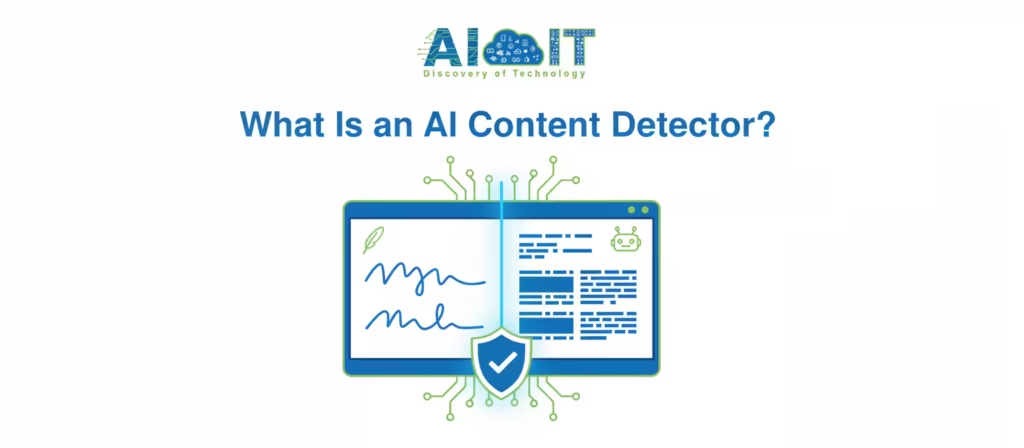
Under the hood, they’re not using magic. They’re using math. They take your text, feed it into their own model, and measure how predictable it is, how the sentence rhythm behaves, and how closely it matches patterns that AI tends to produce.
How detectors decide between AI and human text?
You’ll see two technical terms over and over: perplexity and burstiness.
- Perplexity is a measure of how surprised a model is by the next word in your sentence. If the next word is extremely predictable, the perplexity is low, which often looks “AI‑like.”
- Burstiness is about that natural human rhythm: a mix of short and long sentences, random pauses, and the occasional weird phrasing.
Humans rarely write in a perfectly smooth pattern. We add side notes, stack clauses, then suddenly drop a three‑word sentence. Models, unless pushed, tend to be more even. So detectors look at:
- Perplexity across the text.
- Variation in sentence length and structure.
- Repetition patterns, transition words, and other stylistic hints.
More advanced tools also analyze syntax, compare to known writing samples, or use ensembles of multiple detectors to produce a final score.
You must know first: What are AI Tools
Why AI content detectors matter (education, SEO, publishing)?
In education, AI detectors are used mostly as a signal, not a hammer. Teachers use them to flag suspicious essays, especially when the writing style suddenly jumps from “average” to “near‑perfect academic language” overnight. A good detector saves time by highlighting which assignments might need closer review and a conversation with the student.
In SEO and publishing, the concern is different. Search updates continue to crack down on low‑effort, mass‑produced AI content that provides no real value. Editors don’t necessarily care if a tool helped with the draft; they care if the final piece reads like every other generic AI article. Detectors help them catch those “copy‑paste from AI, hit publish” moments before the piece goes live.
How AI Content Detection Works?
If you strip away the marketing, most detectors follow a similar flow: normalize the text, run it through a reference model, compute a handful of metrics, then map those numbers to a verdict. The main differences come from:
- How strong the underlying model is.
- How up‑to‑date it is with current AI writing styles.
- How they combine different signals into a final score.
That’s why some tools feel surprisingly good on one kind of content (for example, essays) and very shaky on another (for example, heavily edited blog posts).
Common detection techniques (perplexity, burstiness, and more)
Most modern detectors use some combination of:
- Perplexity to see how predictable the text is for a model.
- Burstiness to measure the variety in sentence length and complexity.
- Stylometric features, such as punctuation patterns, phrase use, and structure.
Several technical explainers point out that detectors rarely rely on just one metric; they combine multiple methods and then weigh them against each other. That is more robust than a single metric, but it also opens the door to weird edge cases where the methods disagree and the tool has to “guess” which one to trust.
Watermarking is another area getting attention: some models could embed subtle patterns in their outputs so “honest” platforms can prove that certain text came from AI. It’s promising on paper, but we’re not in a world yet where every model uses a shared watermark.
Limitations and false positives (the part no one likes)
You won’t see this highlighted in every sales page, but it’s one of the most important realities: AI detectors can absolutely be wrong. And not just occasionally.
False positives happen when real human writing gets flagged as AI. This is especially common with non‑native speakers, very simple language, or formulaic writing styles like certain academic or legal texts.
- False negatives happen when AI‑generated content slips through because it’s been paraphrased, edited, or mixed with human text.
One 2025 study showed false positive rates above 20% for some groups, which is huge if you’re talking about grading real students or evaluating job applicants. That’s why most universities and serious organizations now recommend never using detector scores as the only basis for accusations or decisions.
Top AI Content Detectors (2026 Overview) [H2]
Now to the tools you actually came here for. Below is a breakdown of the most talked‑about AI detectors in 2026, along with how they’re typically used in practice.
Originality.ai
Originality.ai is clearly built with agencies, publishers, and SEO teams in mind. It offers AI detection, plagiarism checks, team accounts, and reporting in one dashboard.
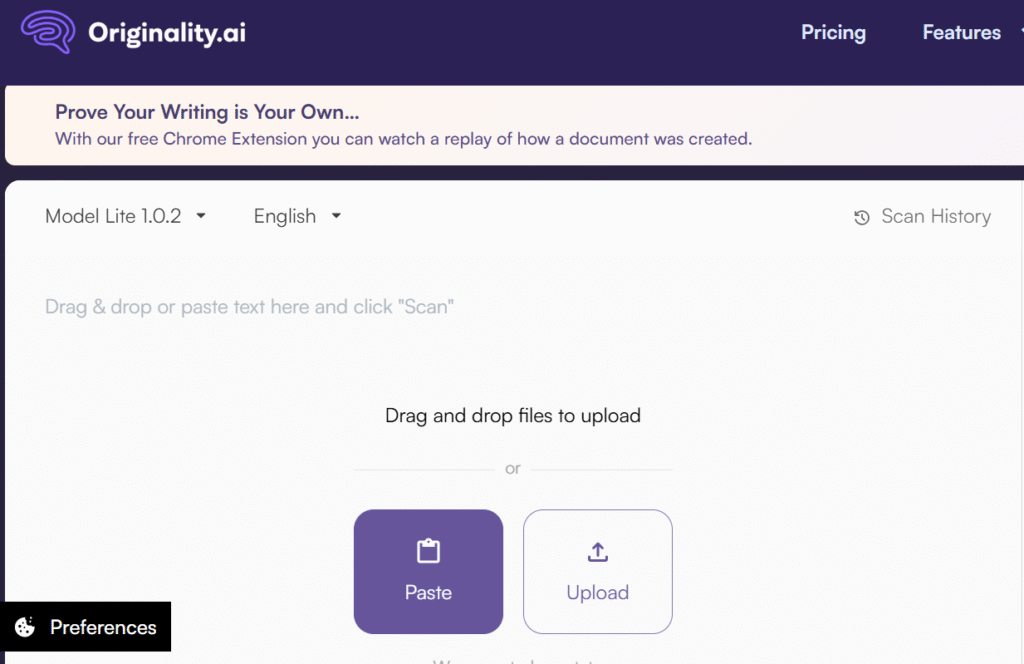
- Accuracy: Independent tests and tool roundups often place it among the strongest options for catching raw and lightly edited AI content, with reported detection accuracy in the mid‑90% range on certain benchmark datasets. Like every tool, it becomes less confident when content is heavily rewritten by humans.
- Pricing: It runs on a credit model, usually around one credit per 100 words, with entry plans suitable for solo users or small teams and higher‑volume plans for agencies and enterprises.
- Pros: Strong detection, plagiarism integration, API access, and multi‑user support.
- Cons: No generous forever‑free plan, and it can still misclassify human content with very clean, neutral styles.
Best for: agencies, content teams, and SEO leads who need AI detection as part of a serious content workflow, not just a one‑off curiosity check.
GPTZero.me
GPTZero became popular when educators first started panicking about AI essays, and it’s still one of the go‑to tools for schools and universities. It includes document‑level and sentence‑level analysis, plus dashboards for instructors.
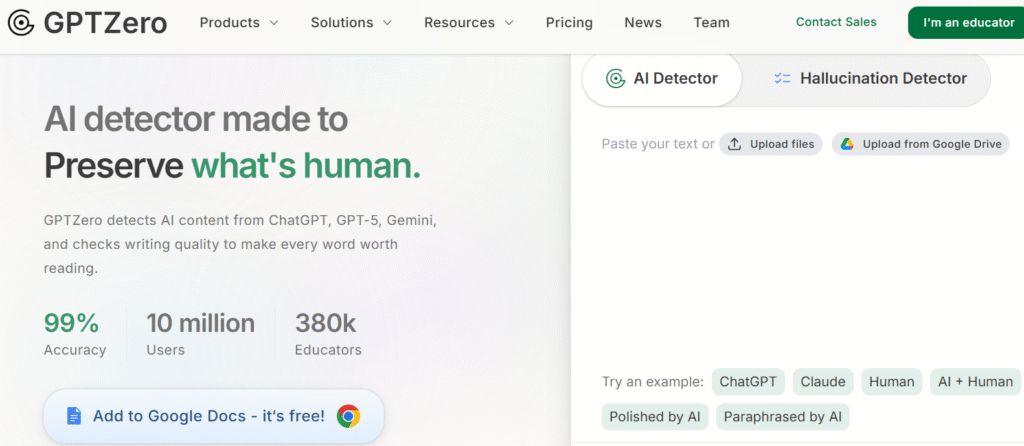
- Accuracy: GPTZero performs well on longer, fully AI‑generated essays and is frequently recommended in education‑focused reviews. Like every other detector, it struggles more with short text and hybrid content.
- Pricing: There’s a free tier with limited characters. Paid plans start at a relatively low monthly price and scale up for institutional use, with higher volume and more features.
- Pros: Education‑specific focus, familiar name, clear interface, class and institution features.
- Cons: Can be over‑confident with certain human styles and is not designed for SEO or publishing use cases.
Best for: educators and academic support teams who want a widely known tool and classroom‑oriented features.
Sapling AI Detector
Sapling comes from the customer‑support and sales world, offering writing assistance and grammar tools for teams, with AI detection added on top.
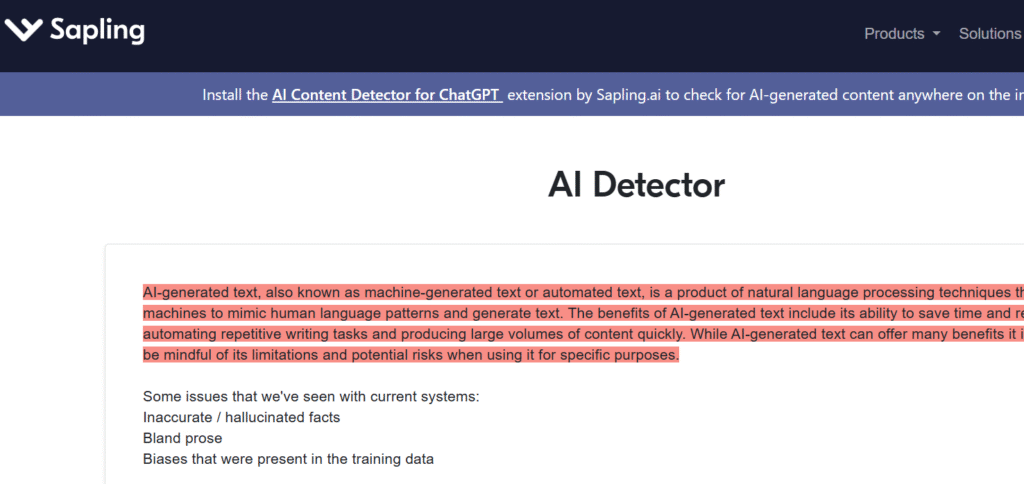
- Accuracy: Reviewers say it is solid at detecting generic AI responses in support or business messaging, but less reliable for heavily edited or long‑form articles.
- Pricing: Limited free use is available, with more serious detection bundled into paid Sapling plans charged per user.
- Pros: Fits naturally into support and sales workflows, enterprise features, and existing integrations.
- Cons: Not a primary option for academic or editorial investigations, and detection limits depend on the overall plan.
Best for: teams already using Sapling who want a built‑in AI check rather than a separate tool.
Winston AI
Winston AI markets itself as a full content verification tool: AI detection, plagiarism, image checks, plus exportable reports and certification options.
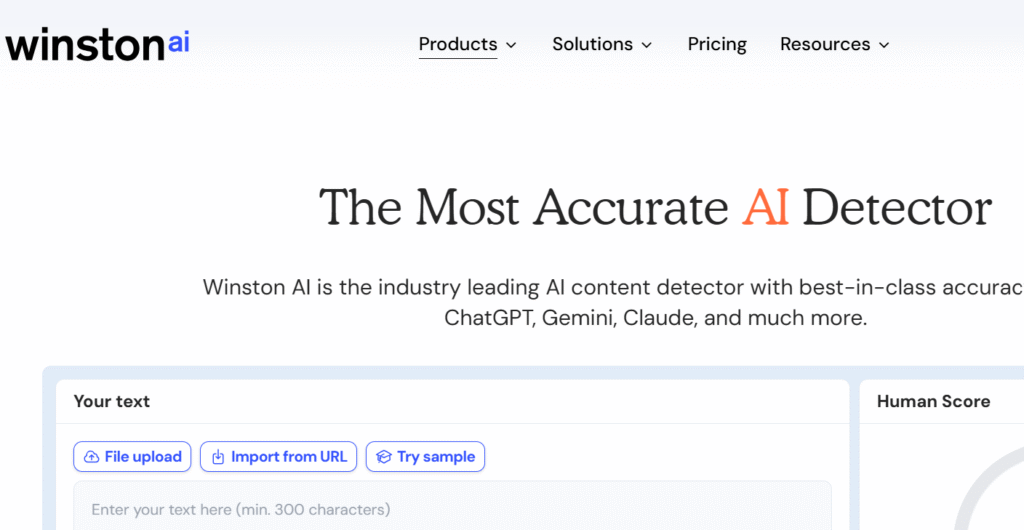
- Accuracy: Side‑by‑side comparisons tend to put Winston in the same upper tier as Originality.ai and GPTZero for detecting straight AI text.
- Pricing: Typically offers a free trial with a fixed number of credits, then subscription tiers based on monthly word limits.
- Pros: Polished reports, visual dashboards, combined plagiarism and AI checks, image analysis.
- Cons: Credit‑based pricing can feel heavy for light users, and it’s better suited to institutions than casual use.
Best for: publishers, schools, and businesses that need professional‑looking reports and multi‑feature verification, not just a simple yes/no answer.
Smodin
Smodin is an AI toolbox: writing, rewriting, summarizing, translating, plus an AI detector tucked into the same interface.
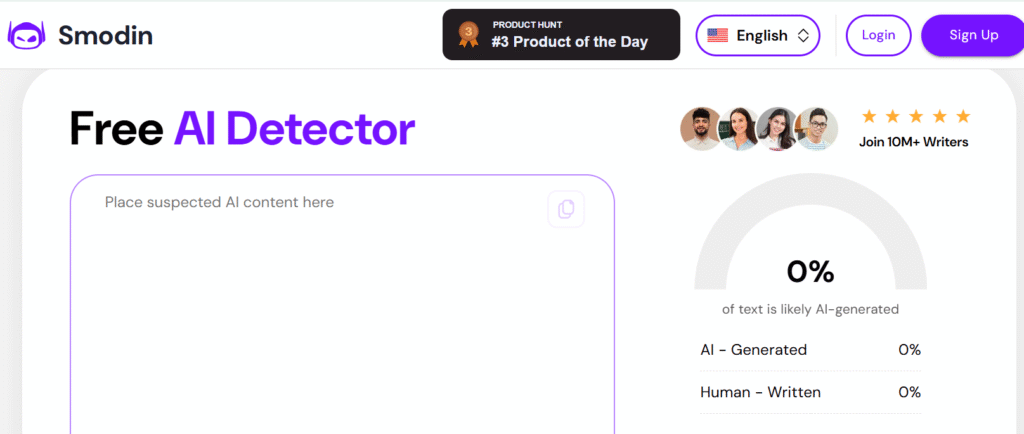
- Accuracy: Public tests show decent performance on plain, unedited AI content, but results are more mixed with paraphrased or hybrid text.
- Pricing: Uses a freemium model. You get limited free checks, with more features and higher limits unlocked via paid plans.
- Pros: Convenient if you already use Smodin for other AI tasks, single dashboard for multiple features.
- Cons: The detector is not the main focus of the platform, and accuracy doesn’t usually beat dedicated tools.
Best for: students and solo creators who are already in Smodin and want a quick built‑in detection step.
ZeroGPT
ZeroGPT is a popular free‑first AI detector, especially among students and bloggers who just want a quick sanity check without creating accounts everywhere.
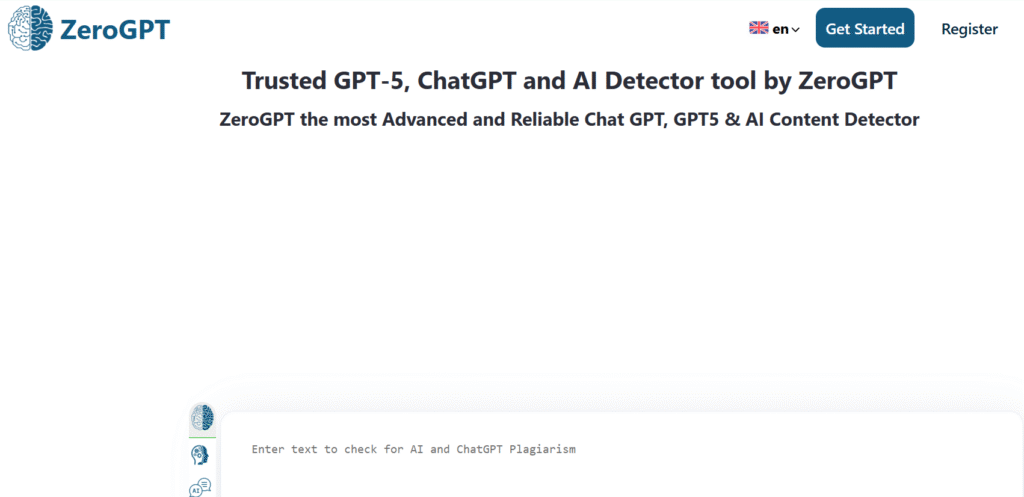
- Accuracy: In free‑tool comparisons, ZeroGPT tends to land mid‑pack: better than some unknown tools, weaker than top paid options. It is particularly shaky on short text and heavy edits.
- Pricing: Offers generous free use, with optional paid upgrades and API access.
- Pros: Easy to use, accessible, widely known.
- Cons: Not reliable enough for high‑stakes decisions, and results can vary significantly by content type.
Best for: low‑stakes, quick checks where a rough estimate is enough.
QuillBot AI Detector
QuillBot is already a staple for paraphrasing and grammar, and its AI detector fits naturally into that product.
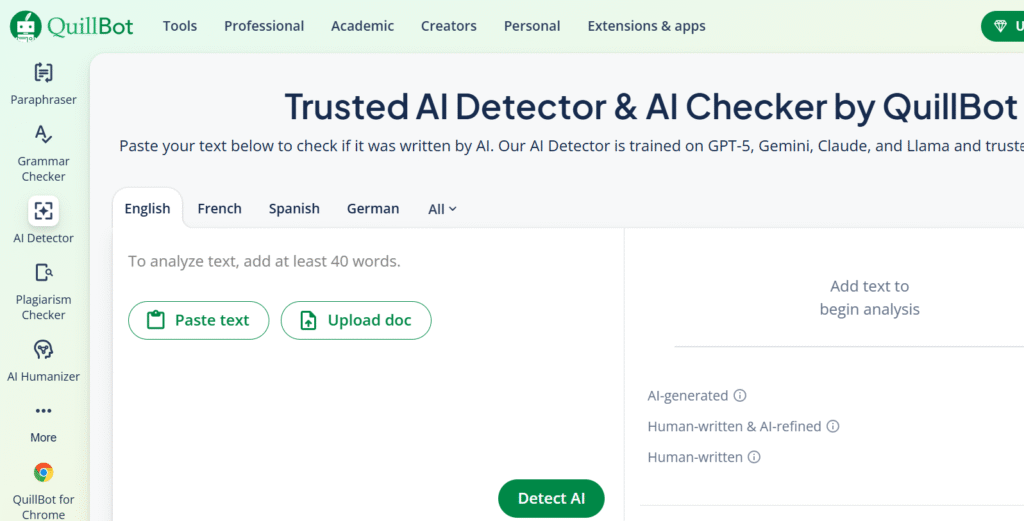
- Accuracy: Several 2026 reviews place QuillBot’s detector among the most accurate free options, often close to paid tools on certain datasets.
- Pricing: Free with usage limits, with more capacity bundled into QuillBot Premium.
- Pros: Strong performance for a free detector, integrated with tools many students and writers already use.
- Cons: Still not foolproof, and there’s the obvious ethical tension when people paraphrase AI text and then test it in the same tool.
Best for: students, bloggers, and freelance writers who rely on QuillBot and want a decent free‑level detector.
Surfer SEO AI Detector
Surfer SEO has added AI detection on top of its content optimization toolkit for marketers.
- Accuracy: SEO‑focused reviewers say Surfer’s detector catches most blatantly AI‑generated blog posts, especially generic how‑to content. It is less consistent with hybrid, highly optimized long‑form content.
- Pricing: Typically included in Surfer’s paid plans rather than sold as a standalone tool.
- Pros: Sits where you already work on SEO content, adds one more quality gate before publishing.
- Cons: Not ideal if you’re not already using Surfer. Dedicated detectors offer more features for the same purpose.
Best for: content and SEO teams who already use Surfer heavily and want AI checks inside the same environment.
Others (JustDone, Narrato, etc.)
Tools like JustDone, Narrato, and other AI content suites often include built‑in detectors as part of their broader feature sets.
They’re handy if you spend most of your time inside those platforms anyway, but most independent reviews find that they don’t outperform the leading dedicated detectors such as GPTZero, Winston AI, or Originality.ai. So they’re useful as backup checks, not primary decision tools.
AI Content Detectors Compared (2026 Snapshot)
| Tool | Practical accuracy (real‑world use) | Core features | Pricing model | Free tier? |
| Originality.ai | High on fully AI‑generated and lightly edited content; weaker on heavily rewritten text. | AI detection, plagiarism checker, team accounts, project reports, API access. | Credits per 100 words with scalable tiers for solo, agency, and enterprise use. | No permanent free plan; paid credits only (sometimes trial credits). |
| GPTZero | Strong for long academic essays; less reliable on short snippets or hybrid drafts. | Document and sentence‑level detection, educator dashboards, batch uploads, classroom workflows. | Free tier plus monthly plans for individuals and institution‑level licenses. | Yes, but with character and usage limits. |
| Winston AI | High accuracy on long‑form AI content in education and publishing contexts. | AI detection, plagiarism checks, image analysis, exportable PDF/CSV reports, certification. | Subscription with monthly word quotas and multiple tier levels. | Time‑limited free trial with restricted credits. |
| QuillBot Detector | One of the strongest free‑tier detectors; decent on essays and blog content. | AI detection embedded in a paraphrasing and grammar suite, browser‑based workflow. | Freemium: free checks with higher limits and extras on paid plans. | Yes, with daily or monthly caps. |
| ZeroGPT | Medium accuracy; good for rough triage, not for high‑stakes decisions. | Simple paste‑and‑scan interface, probability scoring, highlighted segments, optional API. | Free web usage with optional paid upgrades and API pricing. | Yes, generous basic free access. |
| Smodin Detector | Decent at spotting raw AI text; inconsistent on paraphrased or heavily edited content. | AI detection built into a broader suite (writer, rewriter, summarizer, translator). | Freemium bundles: limited free checks, higher limits on subscription plans. | Yes, but mainly for light personal use. |
| Sapling Detector | Solid for customer‑support‑style responses; less suited to long‑form editorial work. | AI detection integrated with grammar and writing assistance for support and sales teams. | Paid SaaS plans per user; detection included within those tiers. | Very limited or trial‑style free access. |
| Surfer SEO Detector | Reliable at flagging obvious AI blog posts; mixed performance on optimized hybrid content. | AI detection inside Surfer’s SEO content editor and optimization workflow. | Included within Surfer’s paid subscriptions; not sold standalone. | No dedicated free plan; sometimes trial‑linked checks. |
| JustDone / Narrato & similar | Varies; generally below top dedicated tools, fine for convenience checks. | Detectors bundled inside all‑in‑one AI writing and content platforms. | Mostly subscription‑based as part of the wider platform. | Often limited free or trial access depending on the platform. |
Free vs Paid Detectors: Which Should You Choose?
Here’s the honest trade‑off: free tools are great for curiosity and low‑risk checks, but if a wrong result could seriously damage someone’s reputation, grades, or revenue, you should be looking at paid options.
Best free AI content detectors
If you’re just testing content for yourself or doing lightweight checks, these are usually the first to try:
- QuillBot AI Detector for one of the strongest free options overall.
- ZeroGPT for quick, no‑login checks.
- Occasional free scans from SEO tools when they run public detectors or promos.
Just keep in mind: any free detector is a starting point, not a final verdict.
Best premium and enterprise tools
For schools, agencies, and publishers with real risk on the line, the tools that show up again and again are:
- GPTZero for education and academic use.
- Originality.ai for agencies, content teams, and SEO workflows.
- Winston AI for organizations needing visual reports and combined plagiarism plus AI detection.
Here, you’re paying less for “perfect accuracy” and more for reliability at scale, integrations, reporting, and support.
Best Detectors by Use Case [H2]
Instead of chasing a single “best” detector, it’s much more practical to pick based on your scenario.
For educators and students [H3]
Educators need:
- Clear, explainable reports they can discuss with students.
- Reasonable performance on non‑native writing.
- Institution‑level controls and logs.
GPTZero is often the first pick, sometimes paired with Winston AI for more formal case review. Students often use QuillBot’s detector or ZeroGPT to self‑check their work, though obviously that doesn’t replace being honest about AI use.
For content marketers and SEO professionals
Marketers and SEO teams care about:
- Bulk scanning of drafts and published content.
- APIs and workflow integration.
- Overlap with plagiarism and content performance tools.
Originality.ai and Surfer’s built‑in detector tend to be the most practical choices here. Many teams treat AI detection as one QA step before hitting publish, especially for outsourced content.
For publishers and businesses
Larger organizations need:
- Exportable reports for legal and compliance teams.
- Role‑based access and centralized billing.
- Policy‑aligned workflows around AI use.
Winston AI and Originality.ai are common picks, often supplemented by plagiarism tools and internal review guidelines. The aim is not zero AI, but zero obviously low‑effort AI content slipping into public channels.
Tips for Using AI Content Detectors Effectively
AI detectors are decision‑support tools, not truth oracles. If you treat them like lie detectors, you’re going to hurt people who did nothing wrong.
How to interpret detection scores
When you see something like “92% likely AI,” slow down for a second.
Ask yourself:
- How long is this text? Scores on very short snippets are notoriously unreliable.
- What type of content is it? Templates, legal text, and highly formal writing naturally look AI‑ish.
- Do I have previous writing samples from this person to compare against? That context matters more than any single number.
Mid‑range scores (for example, 40–70%) usually mean “uncertain” rather than “guilty.” Those are the ones that most require human judgment.
Avoiding false positives and hybrid content traps
Hybrid content (AI draft plus heavy human editing) is the hardest scenario for detectors.
A few practical tips:
- Use more than one detector for high‑stakes decisions.
- Look at which exact sections are being flagged, not just the global score.
- Combine tool results with assignment briefs, doc history, and direct communication before taking action.
Your policy should clearly say that AI detectors are one input among many, not the only evidence you rely on.
Future Trends in AI Detection
Right now, AI detection feels like a moving target. New models come out, people find better “humanizing” workflows, then detectors catch up again.
Tech improvements and robustness
The next wave of detection is focusing on:
- Multi‑modal checks, where text is analyzed alongside layout, images, and other context.
- Watermarking and provenance systems that track AI‑generated content from the source.
- Ensemble models that mix multiple detection strategies for more robust outputs.
These won’t make detection perfect, but they should make lazy AI abuse easier to spot at scale.
Research and academic insights
Studies from universities and research groups keep repeating the same message: text‑only AI detection has hard limits, especially when users actively try to bypass it. Light paraphrasing, stylistic tweaks, and hybrid editing can significantly lower detection scores even when the content is mostly AI‑generated.
That’s why many institutions are shifting away from “we must catch every AI user” toward “we must set clear rules around how AI can be used and disclosed.” Detectors will stay in the picture, but policy, transparency, and education will matter just as much.
FAQs on AI Detectors
Are AI content detectors 100% accurate?
No. Even the best tools produce both false positives and false negatives, especially on short text and hybrid content.
Can AI‑generated text be made completely undetectable?
You can often lower detection scores with paraphrasing and editing, but there is no permanent guarantee that text will stay undetectable as tools evolve.
Will search engines penalize all AI content?
Search engines focus on usefulness and quality, not just how content is produced, but low‑value, mass‑generated AI content is much more likely to be downranked.
What is the best AI content detector in 2026?
There is no single winner. GPTZero, Originality.ai, and Winston AI frequently rank among the strongest, but the right choice depends on whether you’re in education, SEO, or publishing.
Should AI detector results be used as proof in serious cases?
Most experts advise using detectors as one piece of evidence alongside human review, previous writing samples, and other context, not as standalone proof.
My Recommended Articles:
Best 4 AI Tools for Predictive Analytics
Top 10 AI Tools for Digital Marketing Success
Top AI Tools Like Luma Dream Machine
15 Best Character AI Alternatives
Free AI Tools for Image Generation
Top 12 AI Tools for Software Development
Top 10 Ultimate AI Tools for Remote Work
