

Claude Code
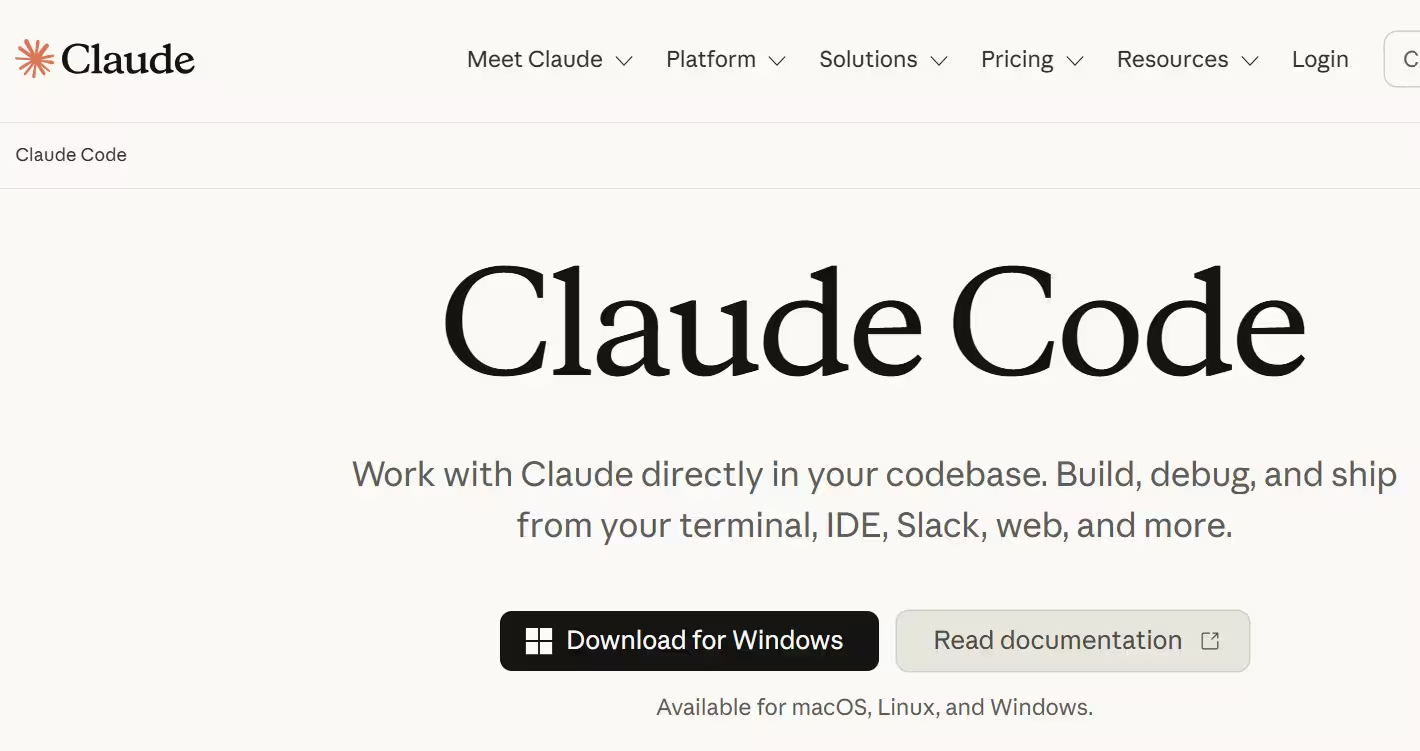
Anthropic's agentic coding tool that understands your codebase, edits files, and runs commands
Tool Information
What Is Claude Code?
Claude Code is Anthropic's agentic coding tool for developers that understands a user's codebase, edits files, runs commands, and helps ship code faster. It was deliberately built as a terminal-based CLI with no graphical interface, a decision its creator made because investing in a rich UI felt like building sandcastles against rapidly improving models.
Who Is the Owner of Claude Code?
Claude Code is owned and developed by Anthropic, the AI safety and research company behind the Claude family of models. It has grown into one of Anthropic's most significant products, reportedly crossing $2.5 billion in annualized revenue about a year after launch.
Who Is the Founder of Claude Code?
Claude Code was created by Boris Cherny, who serves as its Head at Anthropic and is also referred to as an Anthropic co-founder in recent coverage. Cherny built it starting as a simple terminal-based prototype, and today describes managing tens of thousands of parallel Claude Code agent instances himself as the tool has evolved.
When Was Claude Code Launched?
Claude Code was introduced alongside Claude 3.7 Sonnet in a joint Anthropic announcement on February 17, 2025. According to its creator, it began as a simple terminal-based prototype "just a year ago" relative to early 2026 commentary, and has since rapidly scaled in enterprise adoption and revenue.
Key Features of Claude Code
- Terminal-native CLI: Operates primarily as a command-line tool, prioritizing speed and simplicity over a graphical interface.
- Codebase understanding: Analyzes and understands an entire codebase to provide context-aware edits and suggestions.
- Autonomous file editing and command execution: Can directly edit files and run commands to complete development tasks.
- IDE integrations: Available as plugins for VS Code and VS Code-based editors (like Cursor and Trae), as well as JetBrains IDEs including IntelliJ IDEA, PyCharm and WebStorm.
- Multi-agent and subagent workflows: Supports running multiple agent instances in parallel, including subagents for specialized tasks.
- Chrome DevTools integration: Offers frontend debugging support through Chrome integration.
- CLAUDE.md configuration: Lets developers define project-specific instructions and context that guide Claude Code's behavior.
- Plan mode: Provides a mode for reviewing and approving a plan before Claude Code executes changes.
- Legacy code modernization: Powers real-world modernization workflows, including COBOL-to-cloud migrations compressed from months into weeks.
Claude Code Pricing
Claude Code follows Anthropic's broader Claude pricing structure, spanning Free, Pro, Max, Team, and Enterprise tiers, along with usage-based API pricing for developers. A free tier is available for getting started, with higher tiers unlocking greater usage limits and team-oriented features.
Best Use Cases of Claude Code
Claude Code suits developers who prefer a fast, terminal-first workflow over a heavy graphical interface, especially for tasks requiring deep codebase understanding. It's particularly strong for teams running parallel AI agents on large engineering workloads, and for organizations tackling legacy system modernization like COBOL-to-cloud migrations. [Read the documentation here]
F.A.Q (11)
Pros and Cons
Pros
- Deep Terminal-Native Design For Speed And Flexibility
- Understands Full Codebase Context
- Can Edit Files And Run Commands Autonomously
- Supports Multi-Agent
- Parallel Workflows
- Works Across Multiple IDEs Via Plugins
- Backed By Anthropic's Claude Models
- Crossed $2.5 Billion Annualized Revenue Within A Year Of Launch
- Free Tier Available
Cons
- No Rich Graphical Interface By Design (CLI-First)
- Learning Curve For Developers Unfamiliar With Terminal Workflows
- Advanced Usage Can Get Token-Cost Intensive
- Had A Notable Source-Code Leak Incident In 2026
Reviews
You must be logged in to submit a review.
No reviews yet. Be the first to review!


Similar Tools

AI-powered design tool for creating social content, videos, logos and marketing assets
2026-07-16
Free + from $12.78/mo

Conversational AI copilot for e-commerce analytics, reporting and automation
2026-07-19
Free
Anthropic's agentic coding tool that understands your codebase, edits files, and runs commands
2026-07-26
Free