

Adobe Express
AI-powered design tool for creating social content, videos, logos and marketing assets
Starting price Free + from $12.78/mo
Tool Information
What Is Adobe Express?
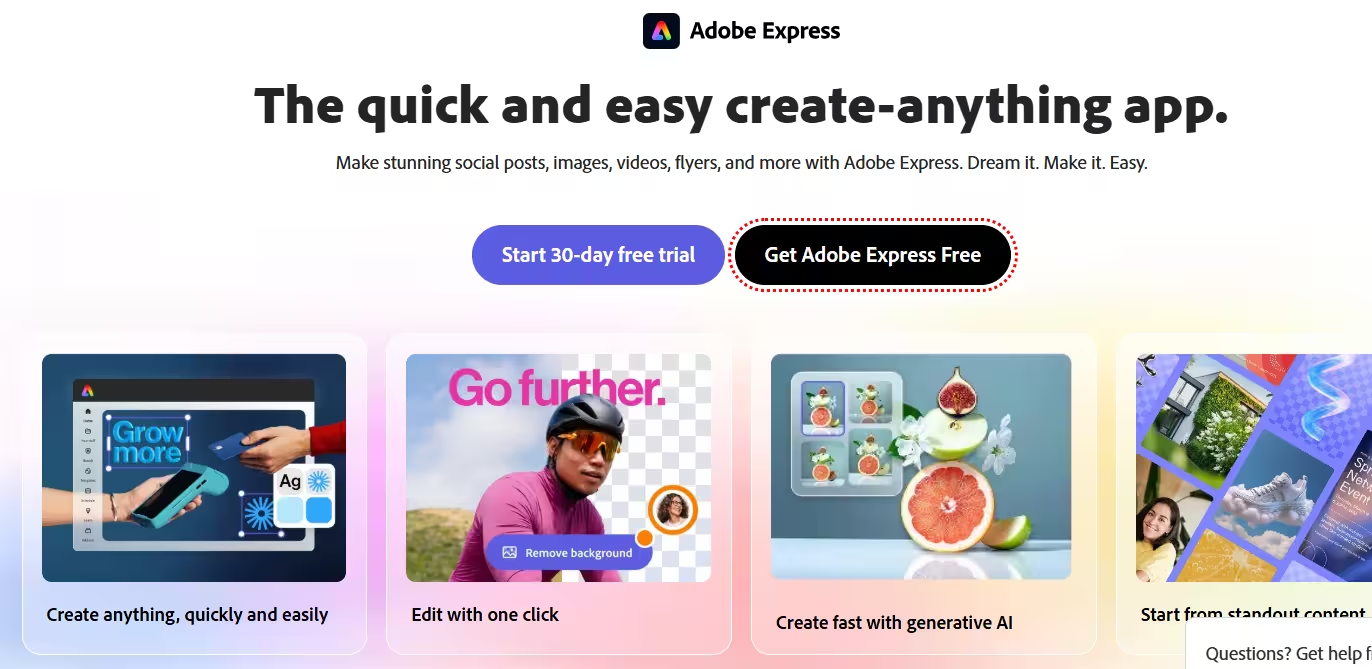
Adobe Express is an all-in-one design, photo and video editing tool that makes content creation easy for social posts, videos, logos, resumes, flyers and more. It combines templates, quick-action editing tools and Adobe Firefly generative AI so users can go from idea to finished design quickly, without needing advanced design skills.
The platform is built to work across desktop browser and mobile, with files staying synced so users can create anywhere. It also connects with other Adobe tools like Photoshop and Firefly, letting users bring in brand assets without leaving the app.
Who Is the Owner of Adobe Express?
Adobe Express is owned and developed by Adobe Inc.. It is part of Adobe’s broader Creative Cloud and content-creation product family.
Who Is the Founder of Adobe Express?
Adobe Express does not have an independent founder since it is a product built and maintained by Adobe’s own teams. It evolved from Adobe’s earlier Creative Cloud Express product into the current AI-powered Adobe Express.
When Was Adobe Express Launched?
Adobe Express grew out of Adobe Creative Cloud Express, with the rebranded and expanded Adobe Express product line, including generative AI features, rolling out from 2023 onward. Adobe has continued to add major AI capabilities such as Generate Template, Translate and AI Assistant through 2023, 2024 and 2025.
Where Is the Company Located?
Adobe Inc. is headquartered in San Jose, California, United States. Adobe Express is delivered globally as a web, desktop and mobile product.
Key Features of Adobe Express
- Templates library: Users can start from thousands of free templates for social posts, videos, flyers, business cards, logos and more.
- Generative AI tools (Firefly): Text-to-image, Generate Template and Generate Text Effects let users create visuals and layouts from simple prompts.
- AI Assistant (beta): Users can prompt, create and edit content, including quick edits and layer-level refinements
- Quick Actions: One-click tools handle background removal, resizing, format conversion and animated effects for images and video.
- Video editing: Drag-and-drop video tools support clip merging, trimming, resizing and direct publishing to platforms like Vimeo.
- PDF editing: Users can create, combine, convert, edit and organize PDFs within the same app.
- Smart resize: One click resizes a design for multiple social channels from a single file.
- Brand kits: Teams can apply brand fonts, colors and locked elements to keep every design on-brand.
- Content scheduler: Built-in scheduling lets users plan, preview and publish social posts directly from the app.
- Real-time collaboration: Teams can co-edit projects together and share templates and brand assets.
- Free Adobe Stock access: Members get access to royalty-free stock photos, videos and music.
- AI captions and translation: AI can generate captions, subtitles and translate text into multiple languages.
- Multilingual design support: Adobe Express supports design in Hindi, Bengali and Tamil, in addition to English.
- ChatGPT integration: The Adobe Express GPT lets ChatGPT Plus, Team and Enterprise users search templates and jump straight into editing.
- Clipmaker and AI rewrite tools: Additional AI features can turn long videos into short clips and generate multiple copy variations.
Best Use Cases of Adobe Express
Adobe Express is best for small business owners, marketers, students and creators who need fast, professional-looking content without a steep learning curve. It works well for social media graphics, marketing flyers, presentations, resumes and quick video edits.
It is also a strong fit for teams that want consistent branding across multiple people, thanks to brand kits and real-time collaboration. Because it combines design, video and PDF tools in one place, it suits users who want an all-in-one workflow instead of switching between separate apps.
F.A.Q (15)
Pros and Cons
Pros
- Beginner-Friendly Editor
- Wide Template Library
- Firefly Generative AI Tools
- Brand Kits
- Video And PDF Editing In One App
- Content Scheduler
- Real-Time Collaboration
- Multilingual Support
- Free Adobe Stock Assets
- Works With Photoshop And Firefly
Cons
- Full AI Credits And Premium Assets Require Paid Plan
- Some Features Limited To Desktop Or English
- Advanced Editing Not As Deep As Full Photoshop Or Premiere
Reviews
You must be logged in to submit a review.
No reviews yet. Be the first to review!


Similar Tools

AI image generation platform for creating high-quality, stylized visuals from text prompts
2026-07-14
$8 per month

AI tool for generating, editing and enhancing UGC and talking videos
2026-07-19
Free + from $3.99/mo

Autonomous AI support agent, "Sophie," that resolves up to 90% of tickets across chat, voice, and email
2026-08-14
Free + from $0.076