
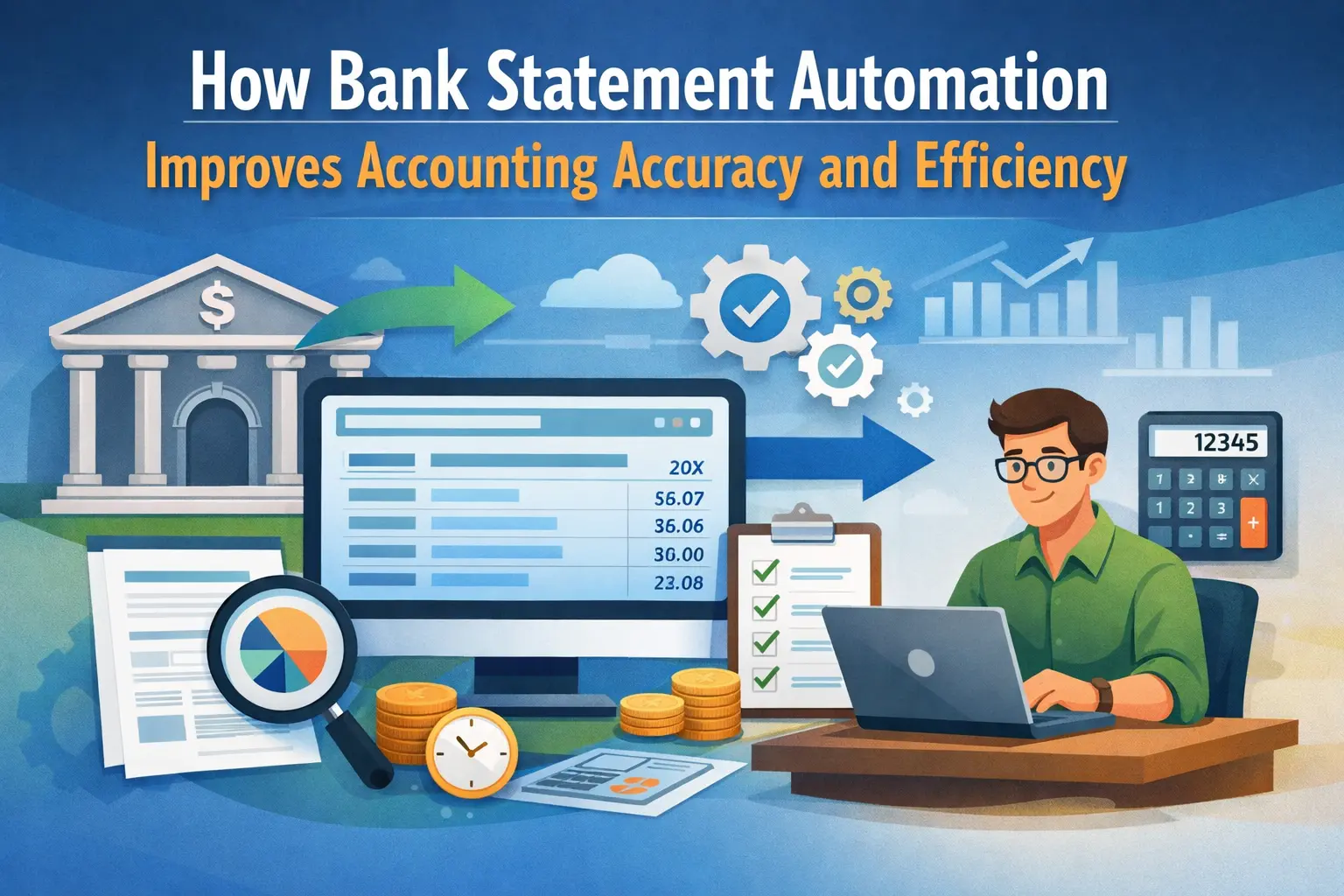
Financial recordkeeping depends on accurate transaction data, yet extracting information from bank statements remains one of the most time-consuming processes in accounting. Businesses and chartered accountants frequently receive statements in PDF or scanned formats that must be converted into structured data before reconciliation or reporting can begin.
Technology has transformed this process through bank statement OCR, enabling accounting teams to automatically convert statement data into organized financial records. Instead of typing hundreds of entries manually, professionals can now extract transaction details instantly and move directly into analysis, reconciliation, and compliance tasks.
Understanding the Technology Behind Bank Statement OCR
Optical Character Recognition technology converts printed or scanned text into machine-readable data. When applied to financial documents, this technology identifies transaction details such as dates, amounts, descriptions, and balances from bank statements and converts them into structured digital formats.
Unlike generic document scanning tools, specialized accounting systems incorporate machine learning and natural language processing to interpret financial context. These technologies allow systems to recognize different bank formats, understand narration patterns, and organize transaction data in a format compatible with accounting software.
Extracting Transaction Details Automatically
Modern OCR engines detect key financial fields, including transaction dates, debit and credit amounts, balances, and reference numbers.
The extracted data is structured into spreadsheets or accounting entries, ensuring that each line item from a bank statement becomes a usable transaction record within the bookkeeping system.
Do you know: Big Data in AI: 30% Performance Boost with Quality 2026
Intelligent Data Interpretation
Beyond text recognition, advanced systems analyze transaction narrations to identify vendors, payment modes, and financial categories.
Machine learning models trained on banking patterns can determine whether a transaction relates to vendor payments, transfers, or service charges.
Handling Multiple Statement Formats
Banks issue statements in different layouts, fonts, and structures. Advanced extraction tools recognize these variations automatically and adjust the parsing logic accordingly, allowing accountants to process statements from multiple banks without manual formatting.
Why Manual Bank Statement Processing Is Inefficient?
Accounting professionals often spend significant time transferring transaction data from PDF statements into accounting software. This repetitive work creates delays and introduces the possibility of human error.
Manual entry becomes especially problematic for firms handling several client accounts or businesses managing high transaction volumes. A single monthly statement may contain hundreds or even thousands of transactions that require accurate recording.
Time Intensive Data Entry
Entering transaction details manually is slow and tedious. Teams often dedicate hours each month to typing information from bank statements, which delays reconciliation and month-end closing.
Higher Probability of Errors
Manual processes increase the risk of misplacing decimals, reversing debit and credit values, or skipping transactions entirely. Such mistakes can lead to discrepancies in financial reports and require additional time for correction.
Difficulty Managing High Transaction Volumes
Growing businesses generate thousands of transactions across multiple bank accounts. Without automation, maintaining accurate books under this volume becomes impractical and resource-intensive.
Key Capabilities of Modern OCR Accounting Tools
Accounting automation platforms integrate several technologies to transform raw bank statements into accurate financial data. These systems do more than simple text extraction; they incorporate validation logic and integration capabilities that align with accounting workflows.
Bulk Statement Processing
Advanced systems allow users to upload multiple bank statements simultaneously. Instead of processing files one by one, the system extracts transaction data from all documents in a single workflow.
Automated Ledger Mapping
Machine learning algorithms analyze transaction descriptions and historical entries to predict the correct ledger accounts. This significantly reduces the effort required for manual classification.
Data Validation and Error Detection
Reliable extraction tools validate extracted data by checking running balances, transaction sequences, and duplicates. These safeguards ensure that accounting entries remain accurate before being imported into financial systems.
Also check: 7 Key Advantages of Generative AI for Businesses and Tech Leaders
Integration With Accounting Systems
Data extracted from statements becomes far more valuable when it flows directly into accounting platforms. Integration ensures that transactions are immediately available for reconciliation, reporting, and compliance tasks.
Many automation tools synchronize extracted statement data with accounting software so that ledger entries can be created automatically. This eliminates duplicate work and ensures consistency across financial records.
Syncing Transactions to Accounting Software
Modern accounting automation platforms can send extracted statement data directly into ledger systems. This integration allows accountants to review and approve entries before final posting.
Supporting Reconciliation Processes
Once transactions are structured and imported, reconciliation becomes faster and more reliable. Matching payments, deposits, and transfers against accounting records requires less manual effort.
Maintaining Audit Trails
Automation tools keep detailed logs of extracted transactions and processing steps. These audit trails help accountants verify data accuracy during compliance reviews or financial audits.
Benefits for Accounting Firms and Finance Teams
Adopting automated statement processing technology changes how accounting teams operate. Instead of focusing on repetitive tasks, professionals can devote more time to financial analysis and advisory services.
For chartered accountant firms, automation significantly improves scalability. A single team can manage far more clients without increasing administrative workload.
Faster Month End Closing
Automation accelerates the preparation of financial records by eliminating manual data entry. With transaction data available instantly, accountants can complete reconciliations and finalize reports sooner.
Improved Financial Accuracy
Automated extraction reduces the chance of transcription errors. Built in validation systems ensure that transaction totals and balances remain consistent with the original statement.
Increased Operational Efficiency
Finance teams spend less time entering data and more time reviewing financial insights. This shift improves productivity while maintaining reliable financial records.
Final Thoughts
Automation is steadily reshaping the accounting profession by removing repetitive administrative tasks and replacing them with intelligent data processing systems. As financial records continue to grow in volume and complexity, technology that converts raw documents into structured accounting data becomes essential for modern finance teams.
Platforms such as AI Accountant demonstrate how automation can simplify financial workflows. By extracting transactions from statements, mapping them to ledgers, and synchronizing them with accounting software, these systems enable accountants to maintain accurate books while reducing manual effort.
For organizations seeking to streamline bookkeeping and reconciliation processes, adopting bank statement OCR provides a practical pathway toward faster, more reliable financial management.
