
Gemini
Google’s AI assistant for chat, search, writing, research and multimodal help
Tool Information
What Is Gemini?
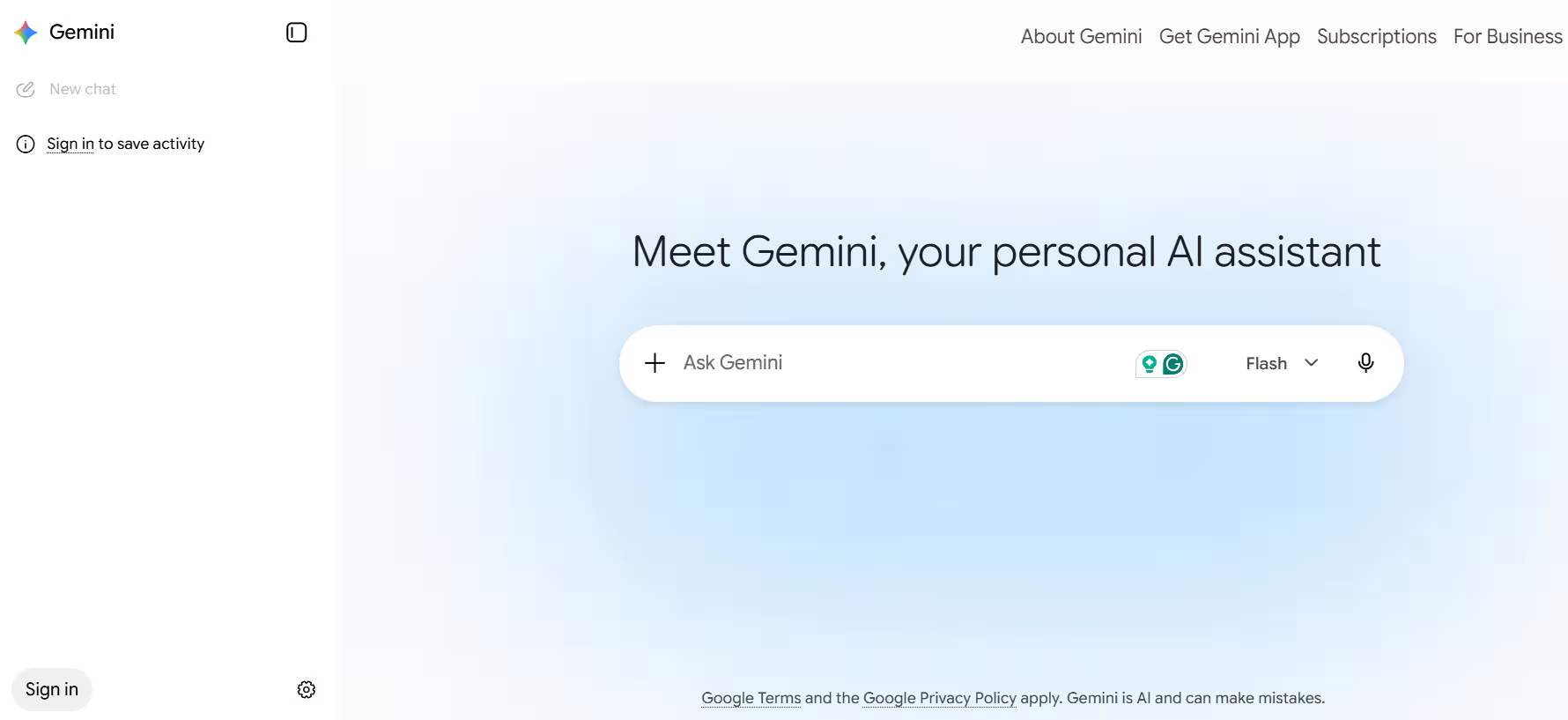
Gemini is Google’s AI assistant for getting help with writing, brainstorming, learning, summarizing and productivity tasks. It is positioned as a personal, proactive assistant that can work with text, voice, images, documents, spreadsheets, photos and video.
It is also more than a chat tool because it connects with Google services such as Gmail, Calendar, Photos, Drive, Docs, Search and YouTube to provide context-aware help. That makes Gemini especially useful for users who already live inside Google’s ecosystem.
Who Is the Owner of Gemini?
Gemini is owned by Google, under Alphabet Inc.. Google publishes the product directly on its own Gemini site and support pages.
Who Is the Founder of Gemini?
Gemini was developed by Google, so it does not have a single independent founder in the way a startup tool might. It is a Google product built by the company’s AI teams and leadership.
When Was Gemini Launched?
Gemini launched in 2024 as Google’s rebranded AI assistant and model family. It has since expanded with more advanced features such as Gemini Live, Canvas, Deep Research, image generation and video generation.
Where Is the Company Located?
Google is headquartered in Mountain View, California, United States. Gemini is part of Google’s consumer and workspace AI products.
Key Features of Gemini
- Conversational chat: Gemini answers questions, explains topics and helps with everyday tasks in natural language.
- Writing and brainstorming: It can draft emails, ideas, explanations and creative content quickly
- Deep Research: Gemini can synthesize information from the web into longer, structured research outputs.
- Gemini Live: Users can talk back and forth in real time, share their camera or screen and discuss what they see.
- File uploads: Gemini can read documents, spreadsheets, photos and videos and then summarize or analyze them.
- Image generation and editing: It can generate and edit images directly inside the product.
- Video generation: Paid users can create short videos using Gemini’s video tools.
- Canvas workspace: Canvas provides an interactive space for refining text, code and ideas together.
- Google app integration: Gemini connects with Gmail, Calendar, Drive, Docs, Photos, Search and more.
- Custom Gems: Users can create reusable custom assistants for specific tasks.
- Personalization: With permission, Gemini can use search history and related context to give more tailored responses.
- NotebookLM support: Google positions NotebookLM as a companion for research, summaries and audio-style learning.
- Voice and mobile experience: Gemini is built to work naturally on mobile and can replace Google Assistant on supported devices.
Best Use Cases of Gemini
Gemini is best for people who want an AI assistant that works tightly with Google products and services. It is especially useful for users who need research help, document analysis, email drafting, planning and live visual assistance in one system.
It also fits students, professionals and creators who want a mix of text, image, voice and productivity features without switching apps constantly. For Android users, Gemini Live and app integration make it particularly strong as a daily mobile assistant.
F.A.Q (10)
Pros and Cons
Pros
- Deep Google Ecosystem Integration
- Multimodal Input
- Deep Research
- Canvas Workspace
- Gemini Live
- File Uploads
- Personalization
- Gems
- Strong Mobile Experience
Cons
- Best Features Often Behind Paid Plans
- Some Features Vary By Region Or Device
- Can Depend On Google Account Setup
- Not All Assistant Features Are Fully Parity Across Platforms
Reviews
You must be logged in to submit a review.
No reviews yet. Be the first to review!


Similar Tools

AI music generator for copyright-free background tracks
2026-07-11
from $25


In-app survey tool for collecting user feedback and product insights
2026-07-12
Free + from $200/mo