

Tool Information
What Is Claude?
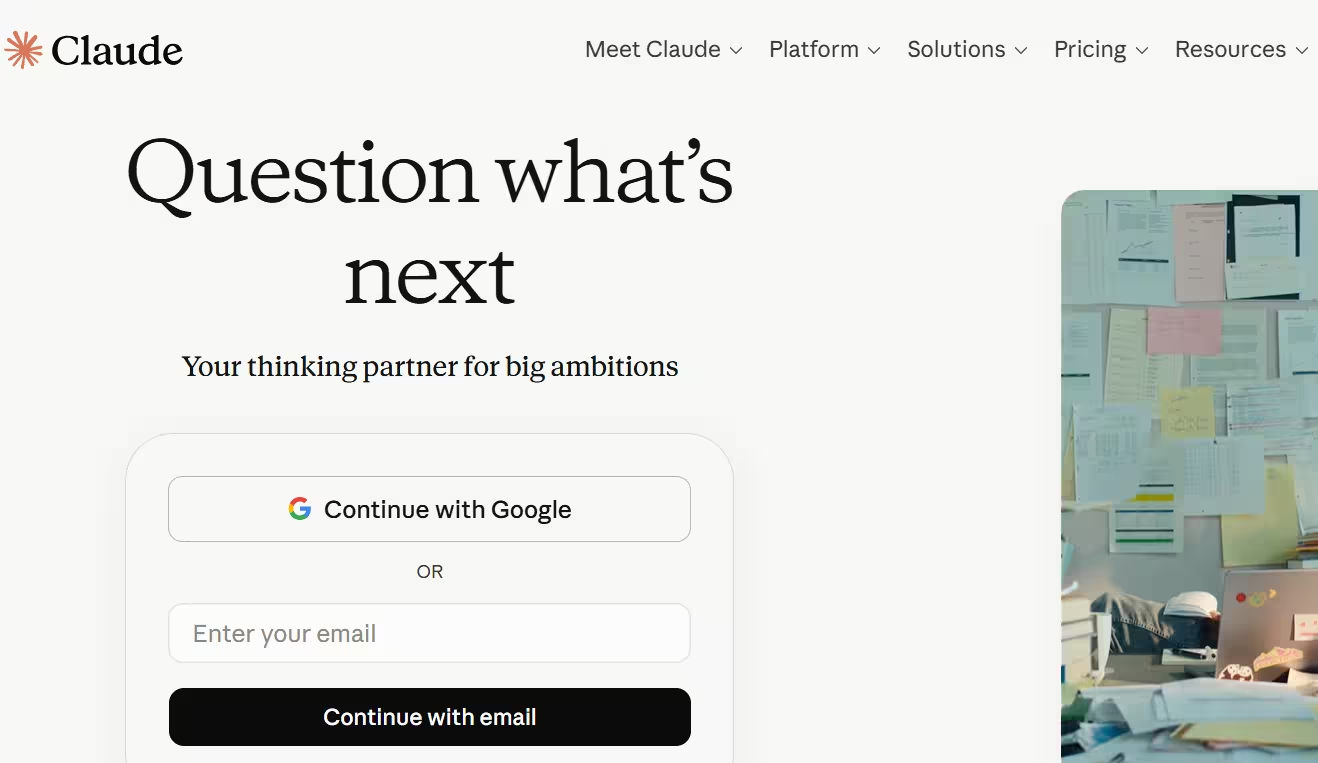
Claude is Anthropic’s AI assistant built for natural conversation, writing, reasoning, coding and document analysis. It is designed to help with everyday tasks like drafting text, summarizing files, answering questions and working through complex problems.
Claude has also grown beyond simple chat into a workspace-style assistant with features such as Projects, Memory, Artifacts, web search, file uploads and coding-related workflows. That makes it especially useful for people who want a persistent assistant for longer tasks rather than a one-off chatbot.
Who Is the Owner of Claude?
Claude is owned and operated by Anthropic. Anthropic is the company behind the Claude product and platform.
Who Is the Founder of Claude?
Claude was created by Anthropic, whose founders include Dario Amodei and Daniela Amodei, along with other former OpenAI researchers. Since Claude is a company product, the most accurate attribution is that it was developed by Anthropic rather than a single founder.
When Was Claude Launched?
Claude launched in 2023. It has since expanded through multiple model and product updates into a more capable assistant platform.
Where Is the Company Located?
Anthropic is based in the United States, with Claude delivered through claude.ai and Anthropic’s platform products. Public references commonly associate the company with San Francisco.
Key Features of Claude
- Writing and editing: Claude is strong at drafting, rewriting, summarizing and improving long-form text.
- File uploads: Users can attach PDFs, spreadsheets, images and documents for analysis.
- Image analysis: Claude can inspect visual inputs and extract useful information from them.
- Projects: Projects keep related chats, files and instructions together for ongoing work.
- Memory: Claude can remember preferences and recurring details across conversations when enabled.
- Artifacts: Claude can create editable outputs such as documents, code, tables and lightweight apps.
- Web search: It can search the web for more current information when needed.
- Connectors: Claude can connect with tools such as Gmail, Google Calendar and Asana in supported workflows.
- Skills: Users can define reusable instructions for repetitive tasks and workflows.
- Deep Research: Claude can perform more thorough research and synthesis across sources.
- Code execution: It can help with data analysis, debugging and code-related work.
- Model choice: Claude offers different model options such as Opus, Sonnet and Haiku for different speed and depth needs.
Best Use Cases of Claude
Claude is best for writing-heavy and document-heavy work, especially when users need polished drafts, summaries and editing help. It is also very useful for teams and solo professionals managing repeatable workflows because Projects, Skills and Memory support continuity over time.
Developers, analysts and operations teams can use Claude for coding support, file review, research and structured outputs. It is a strong fit when you want a thoughtful assistant that can stay organized across many related tasks instead of only answering one question at a time.
F.A.Q (11)
Pros and Cons
Pros
- Strong Writing Quality
- Excellent Long-Form Document Handling
- File Upload Support
- Projects
- Memory
- Artifacts
- Coding Help
- Multimodal Input
- Team Workflows
Cons
- Advanced Features Require Paid Plans
- Usage Limits On Free Tier
- Best Results Depend On Clear Prompts
- Feature Availability Can Vary By Plan
Reviews
You must be logged in to submit a review.

-
User Experience: ★★★★★
-
Features: ★★★★★
-
Value for Money: ★★★★★
-
Performance: ★★★★★
I personally use claude ai tool and increased my productivity in the work.


Similar Tools

AI customer service platform built on a dual-model reasoning engine that resolves up to 80% of enterprise support inquiries across messaging, voice, and email
2026-09-04
Free

AI-powered code editor and coding agent for building software faster
2026-07-23
Free + $16 per month

AI assistant that helps with research, writing, productivity and Microsoft 365 apps
2026-07-20
Free