

Amazon Q
AWS's AI-powered coding assistant that writes, debugs, and refactors code natively in your IDE
Tool Information
What Is Amazon Q Developer?
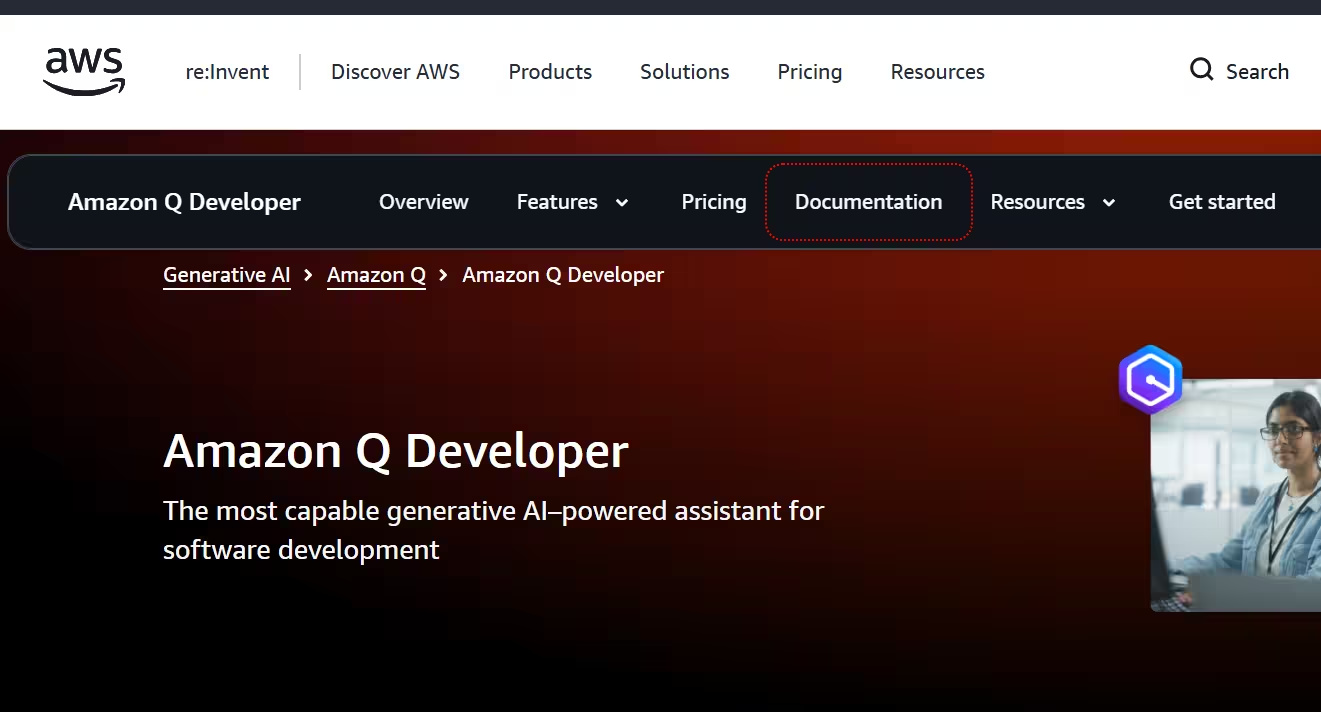
Amazon Q Developer is a generative AI-powered coding assistant that helps developers understand, build, extend and operate AWS applications, accelerating software development directly in the IDE and CLI. It can chat about code, provide inline code completions, generate new code, scan for security vulnerabilities, and make code upgrades such as language updates, debugging, and optimizations.
Who Is the Owner of Amazon Q Developer?
Amazon Q Developer is developed and owned by Amazon Web Services (AWS), a subsidiary of Amazon. It is powered by Amazon Bedrock, a fully managed service that provides access to foundation models along with automated abuse detection to enforce safety and responsible AI use.
What IDEs Does Amazon Q Developer Support?
Amazon Q Developer supports Visual Studio Code, all JetBrains IDEs (including IntelliJ IDEA and PyCharm), Eclipse, and Visual Studio for Windows. Feature availability varies slightly by IDE — for example, inline chat is unavailable in Visual Studio, and code transformations aren't supported in Eclipse.
How Does Amazon Q Developer Handle Security and Privacy?
Amazon Q Developer follows the AWS shared responsibility model, where AWS secures the underlying cloud infrastructure while customers manage security in the cloud, including access permissions and data sensitivity. It respects existing identities, roles and permissions and is built to meet stringent enterprise data security requirements, with authentication handled through IAM Identity Center or AWS Builder ID. AWS also recommends practices like multi-factor authentication, TLS 1.2+ encryption and CloudTrail logging to further secure Amazon Q usage.
Key Features of Amazon Q Developer
- Real-time code suggestions: Generates code ranging from snippets to full functions based on comments and existing code in the IDE and CLI.
- Agentic coding: Supports autonomous agents that can handle multi-step coding tasks across supported IDEs.
- Code transformations: Automates language and framework upgrades, such as Java version upgrades, in VS Code, JetBrains, and Visual Studio.
- Security vulnerability scanning: Scans code for vulnerabilities and helps developers fix them.
- Conversational AWS assistance: Answers questions about AWS architecture, resources, best practices, and documentation directly in chat.
- MCP server support: Integrates with MCP servers across all supported IDEs for extended context and tool use.
- Inline and workspace chat context: Provides contextual chat that understands the broader workspace, not just the open file.
- Console error diagnostics: Helps diagnose and resolve errors encountered in the AWS Management Console.
Amazon Q Developer Pricing
Usage limits, such as lines of code per month for transformation features, are pooled at the account level for subscribers. [Find More details]
Best Use Cases of Amazon Q Developer
Amazon Q Developer is best suited for teams already building on AWS who want an AI assistant deeply integrated with AWS architecture, resources, and best practices. It's especially useful for enterprises needing built-in security vulnerability scanning and automated code transformations like Java upgrades, as well as organizations requiring strict identity and permission-aware AI tooling.
F.A.Q (11)
Pros and Cons
Pros
- Deep AWS And IDE Integration
- Built On Amazon Bedrock With Abuse Detection
- Security Vulnerability Scanning Built In
- Automated Code Transformations (E.g.
- Java Upgrades)
- Enterprise-Grade Security And Compliance
- Free Tier With No AWS Account Needed
- Understands Identities
- Roles
- And Permissions
- Supports Multiple Major IDEs
Cons
- Full Feature Parity Varies By IDE (E.g.
- Eclipse Lacks Some Transformations)
- Best Value Tied To AWS Ecosystem Usage
- Visual Studio Support Limited To Windows
- Pro Tier Required For Advanced Autonomous Agent Features
Reviews
You must be logged in to submit a review.
No reviews yet. Be the first to review!



Similar Tools

E-commerce helpdesk and AI agent platform that unifies multichannel support and turns customer service into a sales driver
2026-09-04
from $40/mo

Artist development and music distribution platform
2026-07-11
from $44.99/mo

AI assistant for chat, reasoning, live search, coding and image generation
2026-07-14
$30 per month