

Tool Information
What Is GitHub Copilot?
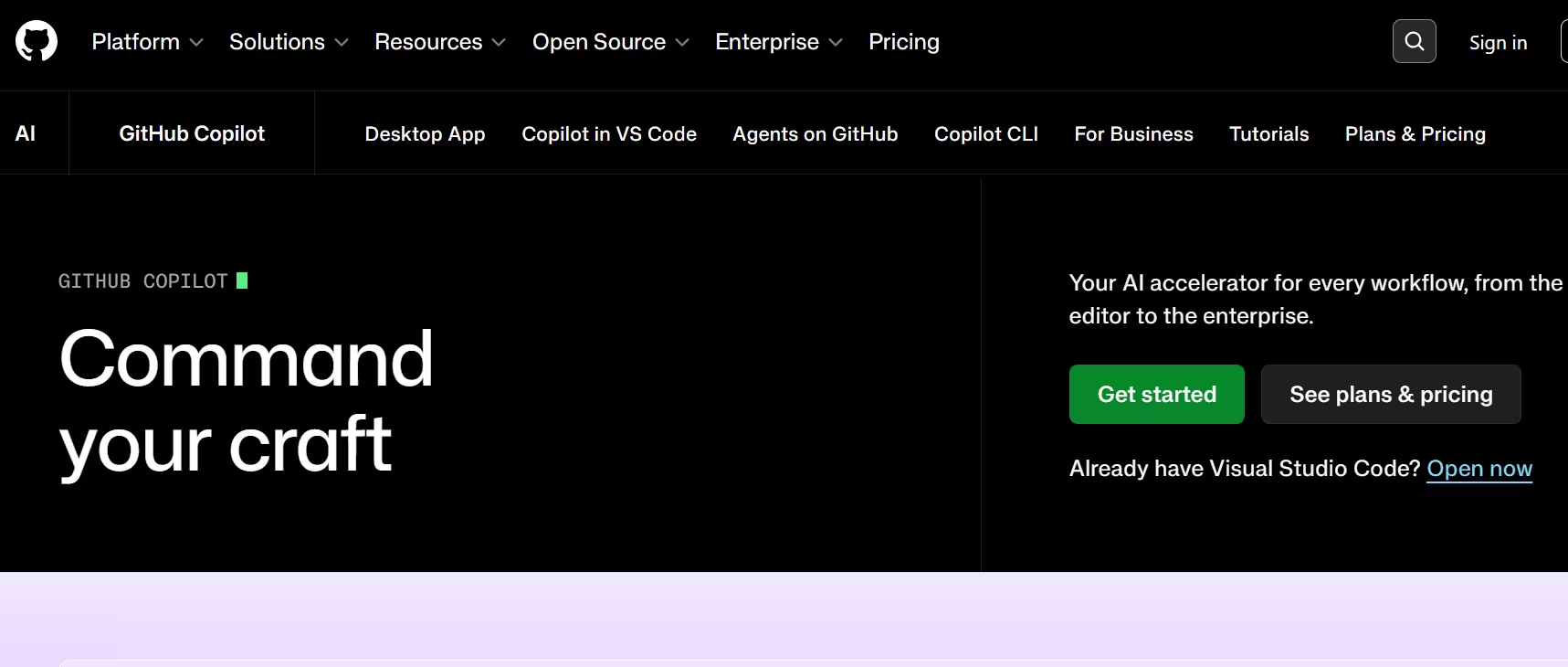
GitHub Copilot is an AI coding assistant that helps developers write code faster and with less effort, freeing up energy for problem solving and collaboration. Research cited by GitHub shows Copilot increases developer productivity and accelerates software development, and it works alongside users directly in their editor by suggesting whole lines or entire functions.
Key Features of GitHub Copilot
- Real-time code suggestions: Copilot suggests code as users type directly in their IDE.
- Chat assistance: Users can chat with Copilot to get help with their code, including inline chat and a dedicated chat panel.
- Command line help: Copilot CLI lets users build, debug and deploy without leaving the terminal, using GitHub context via MCP by default.
- Copilot Spaces: Users can organize and share context with Copilot to get more relevant, tailored answers.
- Pull request automation: Copilot can generate descriptions of changes in a pull request automatically.
- Coding agent: Copilot can research, plan, make code changes, and create pull requests for a developer to review.
- Test and documentation generation: It can generate unit tests, create documentation, and perform multi-file edits.
- Error fixing and code explanation: Copilot can fix errors and explain existing code to speed up debugging.
- Commit message generation: It can automatically generate commit messages based on code changes.
- Custom instructions: Users can personalize chat responses in VS Code and Visual Studio based on preferred tools and organizational best practices.
- Prompt files: Users can save and reuse prompt files for faster, more consistent responses.
- Data residency support: Enterprises using GitHub Enterprise Cloud can enforce geographic data residency for Copilot.
- Multi-surface availability: Copilot works in the IDE, GitHub Mobile (chat), Windows Terminal Canary, GitHub CLI, and the GitHub website.
GitHub Copilot Pricing
| Plan | Price | Best For |
|---|---|---|
| Copilot Free | $0/month | Individuals exploring core features |
| Copilot Pro | $10/month | Individual developers wanting premium features |
| Copilot Pro+ | $39/month | Power users needing higher model access and allowances |
| Copilot Max | $100/month | Individuals needing maximum AI credits and access |
| Copilot Business | $19/seat/month | Organizations (billed annually) |
| Copilot Enterprise | $39/seat/month | Large enterprises needing advanced security/compliance (billed annually) |
Students, teachers, and open source maintainers may qualify for free access to premium features. Additional premium requests beyond a plan's allowance are billed at $0.04 USD per request.
Best Use Cases of GitHub Copilot
GitHub Copilot is best for individual developers who want faster code completion, real-time suggestions, and inline chat support directly inside their IDE. It's especially useful for teams that want to automate pull request descriptions, generate tests and documentation, and offload research-and-implement tasks to an autonomous coding agent. Find more details in the document.
It also fits organizations and enterprises needing centralized billing, seat management, and compliance features like data residency enforcement. Students, educators, and open source maintainers benefit from free access to premium features, making it accessible for non-commercial and academic use.
Who Founded GitHub Copilot?
GitHub Copilot was conceived and initiated by Oege de Moor in July 2020, who assembled the initial team and led it to its first million users. De Moor is also the founder of GitHub Next and GitHub Advanced Security (formerly Semmle), and later went on to found XBOW. Alex Graveley served as the principal engineer and Chief Architect behind Copilot, building the actual product on top of early OpenAI models in collaboration with GitHub and Microsoft.
When Was GitHub Copilot Launched?
GitHub Copilot was conceived in July 2020, following early tests with OpenAI's Codex model. It launched publicly (technical preview) in June 2021, and Wikipedia's coverage of the product dates back to July 2021. It has since expanded through 2022–2026 into a full suite including Copilot Chat, Copilot Workspace, autonomous coding agents and GitHub Models
F.A.Q (8)
Pros and Cons
Pros
- Deep GitHub And IDE Integration
- Real-Time Code Suggestions
- Autonomous Coding Agent For Full Tasks
- Free Tier Available
- Free Access For Students
- Teachers And Open Source Maintainers
- Custom Instructions For Personalized Responses
- Works Across Multiple IDEs And The Command Line
- Backed By Microsoft/GitHub Infrastructure
Cons
- Premium Requests Limited By Plan Tier
- Extra Usage Billed At Additional Cost
- Higher-Tier Plans (Pro+
- Max
- Enterprise) Can Get Expensive
- Best Value Requires Understanding Premium Request Quotas
Reviews
You must be logged in to submit a review.
No reviews yet. Be the first to review!


Similar Tools

Enterprise platform for creating, managing and scaling on-brand marketing content with AI
2026-07-16
Free


AI-powered code editor and coding agent for building software faster
2026-07-23
Free + $16 per month