

Adobe Acrobat AI Assistant
AI-powered conversational tool for chatting with, summarizing and analyzing PDFs
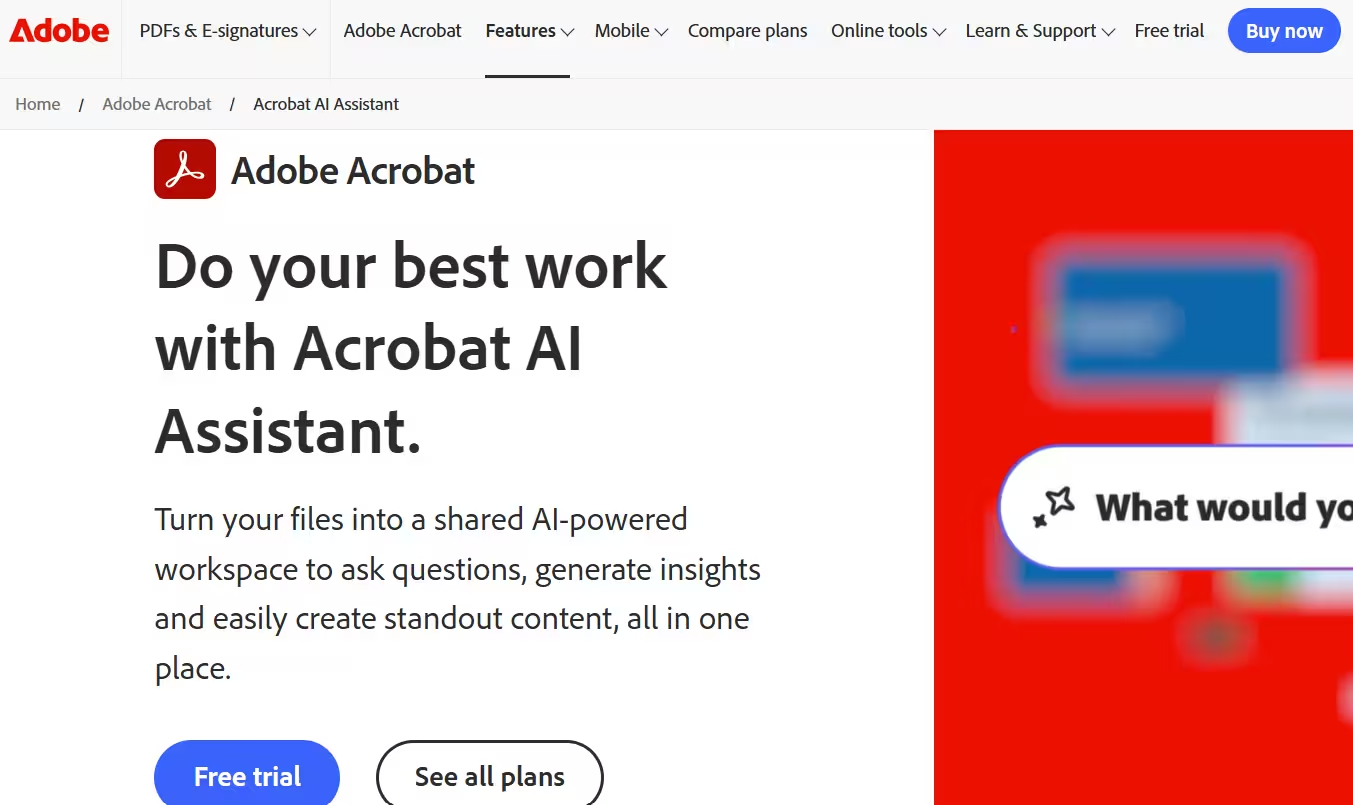
Tool Information
What Is Adobe Acrobat AI Assistant?
Adobe Acrobat AI Assistant is a generative AI-powered conversational engine built into Acrobat and Reader that lets users ask questions about their documents and get fast, cited answers. Instead of manually skimming long PDFs, users can chat with the document to find information, generate summaries, draft content and prepare talking points for presentations.
It was launched in February 2024 as part of Adobe’s push to bring conversational AI to the trillions of PDFs people work with daily. The tool has since expanded to support multiple file types, contract intelligence and shared AI-powered workspaces.
Who Is the Owner of Adobe Acrobat AI Assistant?
Adobe Acrobat AI Assistant is owned and developed by Adobe Inc.. It is offered as part of the broader Adobe Acrobat and Adobe Express product ecosystem.
Who Is the Founder of Adobe Acrobat AI Assistant?
Since this is a feature built by Adobe rather than an independent startup, it does not have a separate founder. It is developed and maintained by Adobe’s product and engineering teams.
When Was Adobe Acrobat AI Assistant Launched?
Acrobat AI Assistant launched in beta in February 2024. Adobe has since added features such as contract intelligence in February 2025 and AI Assistant Plus with PDF Spaces and Adobe Express integration.
Where Is the Company Located?
Adobe is headquartered in San Jose, California, United States. The AI Assistant feature is delivered globally through Adobe’s Acrobat, Reader and Express products.
Key Features of Adobe Acrobat AI Assistant
- Chat with your document: Users can ask questions directly about a PDF and get answers in natural language.
- One-click summaries: It can generate quick summaries of long or complex documents.
- Citations to source content: Answers include clickable citations that link back to the exact location in the document.
- Multi-document support: AI Assistant can answer questions across multiple files at once, including PDFs, slides and spreadsheets.
- Draft content: It can help craft emails, generate talking points and brainstorm ideas based on document content.
- Contract intelligence: The tool automatically recognizes contracts, summarizes terms and compares up to 10 agreements for differences.
- Presentation and podcast-style overviews: Documents can be transformed into presentation formats or audio-style summaries.
- PDF Spaces: A shared AI-powered workspace lets teams centralize up to 100 files, insights and summaries in one place.
- Secure sharing and e-signature: Users can review, share and request signatures on contracts within the same app.
- Data security commitments: Adobe states it does not train models on customer data and blocks third-party LLMs from training on it.
- Cross-platform availability: The assistant works across desktop, web and mobile.
- Integration with Adobe Express: AI Assistant Plus connects document insights with Adobe Express for creating polished, branded content.
Best Use Cases of Adobe Acrobat AI Assistant
Acrobat AI Assistant is best for professionals who work with long documents and need fast, verifiable answers instead of manual reading. It is especially useful for legal, sales and HR teams that deal with contracts, proposals, policies and onboarding materials.
It also fits marketing and communications teams that need to turn research and reports into presentations or campaign content quickly. Because it supports multiple file types and shared workspaces, it works well for teams that need one source of truth across many related documents.
F.A.Q (15)
Pros and Cons
Pros
- Works Inside Familiar Acrobat Interface
- Citations With Source Links
- Multi-Document Support
- Contract Intelligence
- Data Security Commitments
- Works Across PDFs Slides And Spreadsheets
- Available On Free And Paid Plans
Cons
- Full Feature Set Requires Paid Add-On
- English-Only At Initial Rollout
- Best For Structured Documents Rather Than Creative Work
- Some Features Limited To Specific Adobe Products
Reviews
You must be logged in to submit a review.
No reviews yet. Be the first to review!


Similar Tools

AI customer service platform built on a dual-model reasoning engine that resolves up to 80% of enterprise support inquiries across messaging, voice, and email
2026-09-04
Free

AI tool for turning long videos into short social clips
2026-07-14
from $9.90

macOS app that turns spoken words into polished text using ChatGPT
2026-07-17
from $29