
Midjourney
AI image generation platform for creating high-quality, stylized visuals from text prompts
Starting price $8 per month
Tool Information
What Is Midjourney?
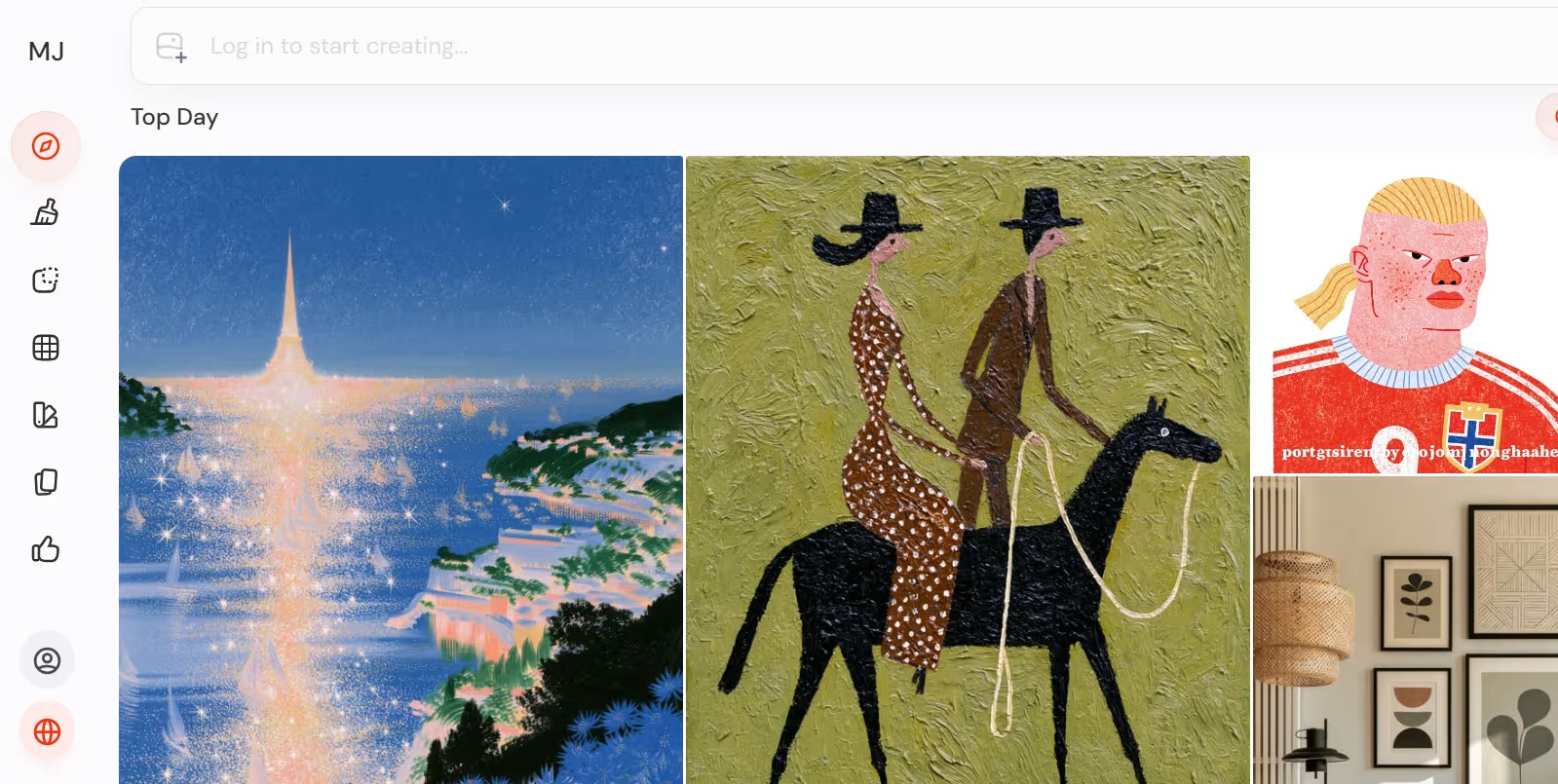
Midjourney is an AI image generation tool that creates visual artwork from text prompts. It is widely known for producing high-quality, stylized, often cinematic images that appeal to designers, creators and artists looking for expressive results rather than purely literal outputs.
The product originally gained popularity through Discord-based generation and later expanded its web experience and gallery features. Users can create images by describing what they want, then refine the output with variations, upscaling and other image-editing controls.
Who Is the Owner of Midjourney?
Midjourney is operated by Midjourney, Inc., an independent company. It is not owned by a larger public tech platform.
Who Is the Founder of Midjourney?
Midjourney was founded by David Holz. Public references consistently identify him as the creator and leader of the company.
When Was Midjourney Launched?
Midjourney launched in beta in 2022. It has since evolved into a more mature image generation platform with a web interface, style tools and advanced prompting controls.
Where Is the Company Located?
Midjourney is based in the United States. Public sources commonly associate the company with San Francisco, California.
Key Features of Midjourney
- Text-to-image generation: Users can type a prompt and Midjourney turns it into a visual image.
- High artistic quality: Midjourney is especially known for polished, stylized and visually striking outputs.
- Multiple image variations: It generates several results from one prompt and lets users explore alternate versions.
- Upscaling: Users can enlarge and refine a selected image for higher detail.
- Zoom out and pan: Midjourney can expand scenes beyond the original frame and extend the composition.
- Remix mode: Users can adjust prompts and iterate on previous generations to steer results.
- Style reference controls: Parameters like style reference help keep a consistent visual look across generations.
- Character consistency: Character reference tools help maintain the same character across multiple images.
- Aspect ratio control: Prompts can specify portrait, landscape or square formats.
- /describe and /blend tools: Users can reverse-engineer prompts from images or blend several images into one new result.
- Web gallery and management: The web interface helps users browse, manage and download their images.
- Prompt parameters: Advanced settings such as stylization, chaos, weird and tile give creators more control.
- Niji style support: Midjourney also supports anime and illustration-oriented outputs.
- Community-driven workflow: Many users share prompts, styles and techniques in a large creator ecosystem.
Best Use Cases of Midjourney
Midjourney is best for people who want artistic, visually rich image generation for concept art, marketing visuals, fantasy scenes, brand inspiration and character ideas. It is especially strong when the goal is to produce beautiful imagery rather than perfectly factual or diagram-like visuals.
Designers, creators and marketers often use it for mood boards, campaign concepts, social content and early-stage visual exploration. It is also useful for artists who want style experimentation and fine-grained prompt control over aesthetics.
F.A.Q (12)
Pros and Cons
Pros
- High-Quality Outputs
- Strong Artistic Style
- Variations And Upscaling
- Prompt Control
- Style Consistency Tools
- Popular Creator Community
Cons
- Not Free Long Term
- Learning Curve For New Users
- Discord Workflow Can Feel Unusual
- Best Results Depend On Prompt Quality
Reviews
You must be logged in to submit a review.
No reviews yet. Be the first to review!

Similar Tools

All-in-one AI platform for text, images, audio, video and documents
2026-07-12
Free + from $6.5/mo


AI tool for creating interactive demos, step-by-step guides and help centers
2026-07-14
from $29/mo