

Tool Information
What Is Wholesum?
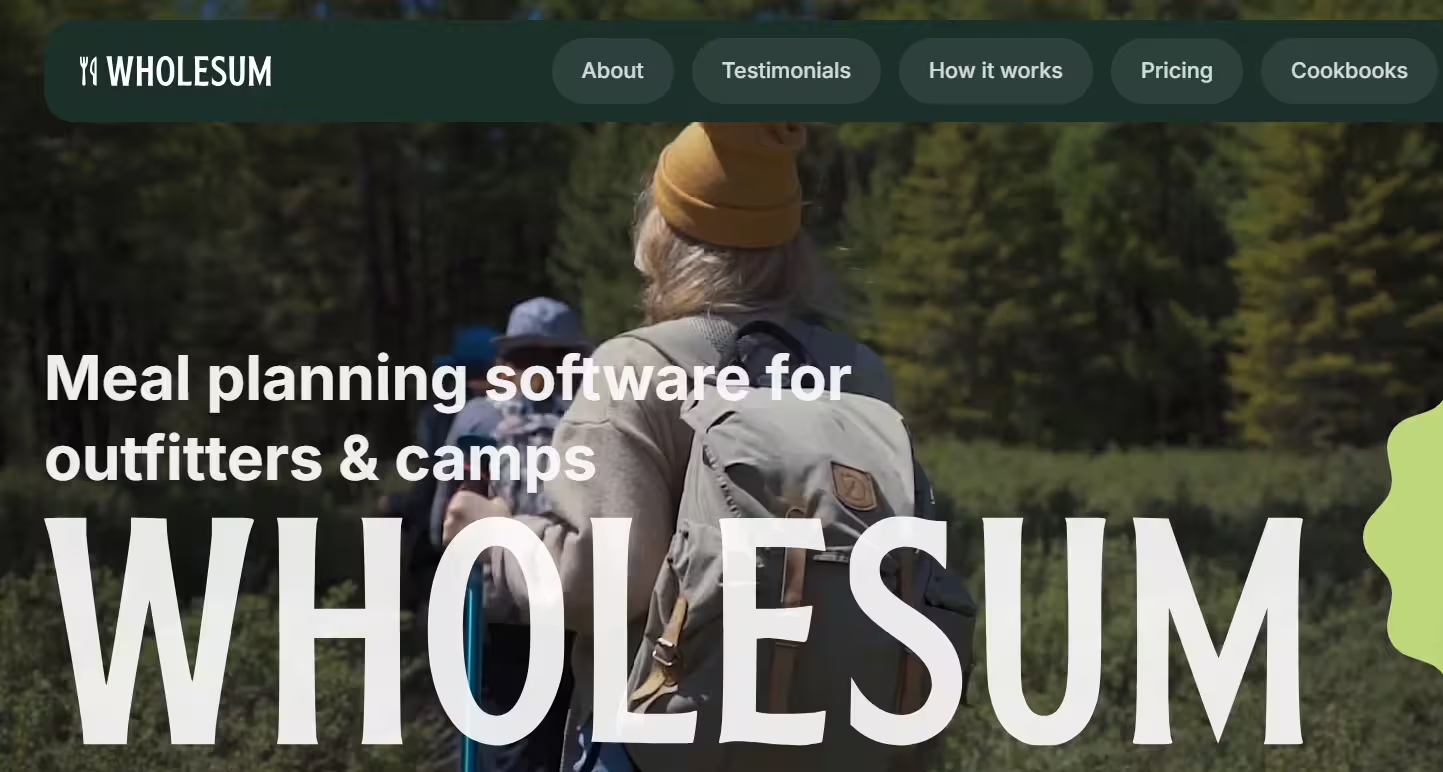
Wholesum is a web-based menu planning and shopping list platform built specifically for feeding groups, whether that is a week-long camping trip, an office retreat or a wedding. It helps organizers scale recipes to headcount, adjust for dietary restrictions, and generate accurate, packing-ready shopping lists in minutes.
The platform combines meal planning with cost tracking and calendar organization, so users can manage food logistics for entire events rather than just individual recipes. Wholesum also includes an AI recipe generator called Olive, which can create new recipes from a simple prompt.
Who Is the Owner of Wholesum?
Wholesum is developed by Keough Solutions LLC, based on its official App Store listing. The platform has also been described as built and enhanced by Linkup Studio in company promotional material.
Who Is the Founder of Wholesum?
A specific named founder is not disclosed in the official sources reviewed. The product is presented under the Wholesum brand and Keough Solutions LLC rather than a public individual founder profile.
When Was Wholesum Launched?
Promotional material states that Wholesum has been in use since 2016, serving outfitters, summer camps and universities. Its mobile app has been listed on the App Store since at least April 2023.
Where Is the Company Located?
A specific headquarters address is not disclosed in the official sources reviewed. Wholesum's support line uses a US phone number, (406) 219-8357, suggesting a US-based operation.
Key Features of Wholesum
- Meal planning: Users can create unlimited recipes and meal plans and organize them by group and event.
- Group size scaling: Recipes and shopping lists automatically adjust based on the number of people and appetite sizes.
- Olive AI-generated recipes: The built-in AI can generate new recipes with ingredients, quantities and preparation steps from a simple prompt.
- Dietary restriction management: Users can flag dietary restrictions, and higher-tier plans auto-substitute ingredients to meet those needs.
- Ingredient rounding rules: Professional and Enterprise plans can apply rounding rules to keep shopping quantities practical.
- Shopping and packing lists: Wholesum generates lists sorted by store and department, including quantities in metric and US units.
- PDF and Excel exports: Shopping and packing lists can be exported as PDF on all plans, with Excel export on higher tiers.
- Cost tracking: Professional and Enterprise users can track and estimate food costs per recipe, group or serving.
- Calendar-based planning: Meals can be organized by date and category using a built-in calendar.
- Mobile shopping lists: A dedicated mobile app for iOS and Android syncs shopping lists across devices for simultaneous group shopping.
- Ingredient and pantry tracking: Users can log ingredient cost, inventory, purchase store and department for more efficient shopping.
- Multi-location and multi-user support: Enterprise plans support multiple users and locations with advanced reporting.
- Packing location reporting: Enterprise plans include detailed reporting on where packed items are stored or distributed.
- Shareable meal plans: Meal plans can be shared with team members or collaborators.
Best Use Cases of Wholesum
Wholesum is best for outfitters, summer camps, retreat organizers and catering teams who need to plan meals for groups of varying sizes. It is especially useful when dietary restrictions, cost tracking and multi-day scheduling all need to be managed together instead of separately.
It also fits organizations managing multiple locations or larger operations, since the Enterprise tier supports multiple users and advanced reporting. Because it reduces manual recipe math and shopping list creation, it works well for any team that regularly feeds groups and wants to save time and reduce food waste.
F.A.Q (12)
Pros and Cons
Pros
- Scales Recipes To Any Group Size
- AI-Generated Recipes
- Automated Dietary Substitutions
- Mobile Shopping Lists
- Cost Tracking Per Meal Or Group
- Calendar-Based Planning
- Multi-Device Sync
- Large Recipe Database
Cons
- Mobile App Requires Web Account Setup
- Advanced Features Locked To Higher Tiers
- Best Suited For Groups Rather Than Individual Meal Planning
- Extra Cost Per Additional User On Enterprise Plan
Reviews
You must be logged in to submit a review.
No reviews yet. Be the first to review!


Similar Tools

AI business plan generator that creates editable plans in about 15 minutes
2026-07-12
Free

AI customer service platform built on a dual-model reasoning engine that resolves up to 80% of enterprise support inquiries across messaging, voice, and email
2026-09-04
Free

Autonomous AI support agent, "Sophie," that resolves up to 90% of tickets across chat, voice, and email
2026-08-14
Free + from $0.076